You are currently working on UAT 

Urgent - How can I mark Excel cells that I don't have to translate?

Hi,

I installed Office 365 on my new Windows 10 PC (Pro 64 bit fully updated).

I have to translate a huge Excel file (xlsx) that contains over the 25000 words, but I only have to translate some of these cells. So I changed the color of the text in the cells that I don'ty have to translate from Automatic to Yellow, just as I did before with my old Windows 7 PC with Office 2007. But now Studio takes all the cells and not only the ones in Automatic - I think there are about 750 words I should have to translated and not over 25000.

So please, urgent help needed! 

Please find attached a test Excel file I created to test this, 3 cells are in color (yellow, green and blue) and I analysed this spreadsheet with the right color not to translate (in the File settings/Color): 7762.Test.xlsx

Thank you for your help.


Kind regards,

Eric

Parents Reply
  • Hi Paul,

    Thank you for your fast reply and sorry for my late reply (deadlines...).

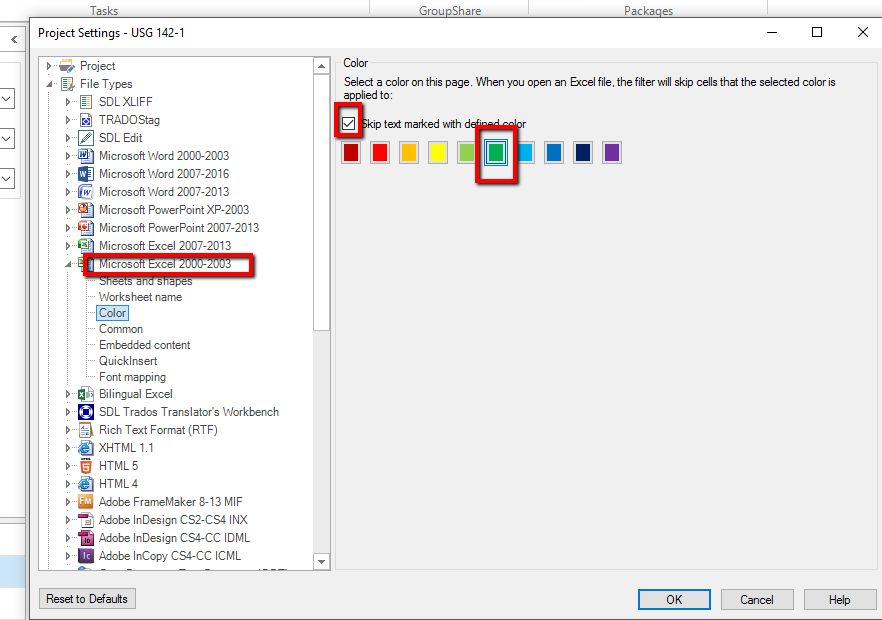
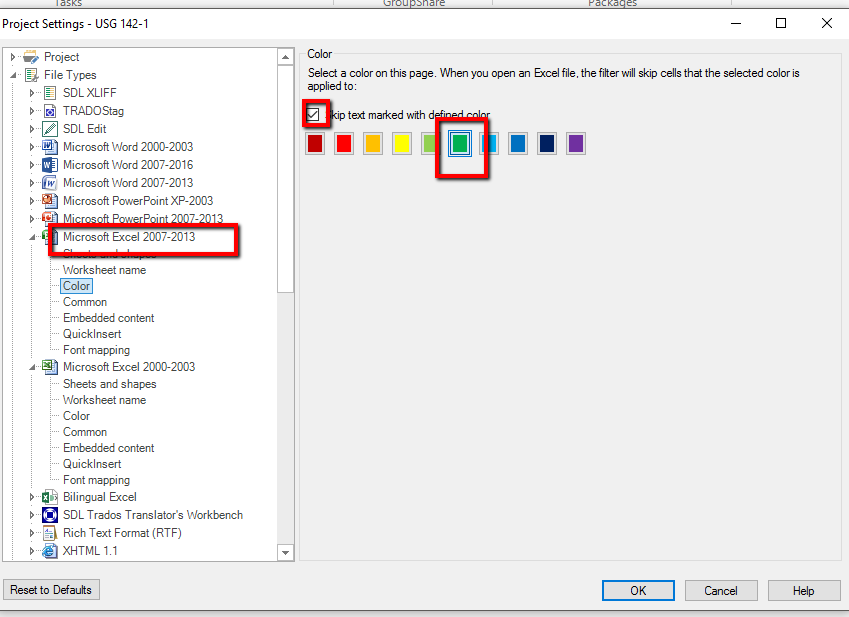
    I checker Green in both Excel 2013 & Excel 2007: see screen captures:


    Maybe it's the same problem as for Grammar Checker... :-(

    I'll maybe try this Sunday with my old version of Office 2007 to see if I also have these problems with Office 2007. But that would be a step backward to return to Office 2007...

    So I would appreciate a solution, of course.

    Oh, I forgot to mention that my new PC is a HP ProDesk, maybe some HP software blocks some Office controls. 

    This PC came also with a preinstalled Office 2016 that I don't use, because I bought and installed Office 365 instead. That could also be the reason, no?


    Kind regards,

    Eric

Children