Term recognition in Trados 2024

Dear Community, 

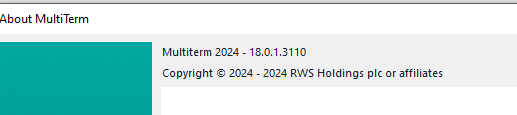
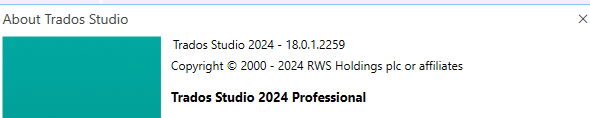
this post is an inquiry aimed at understanding better what new Trados24 version brings.

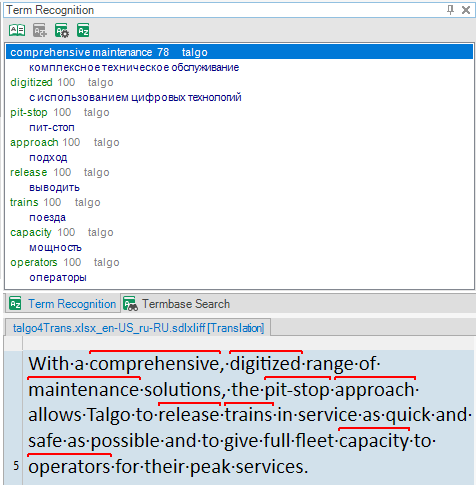
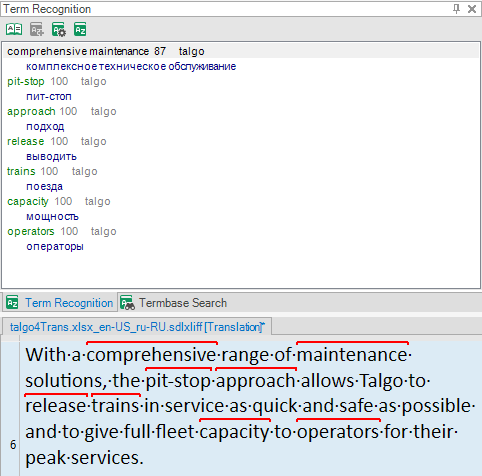
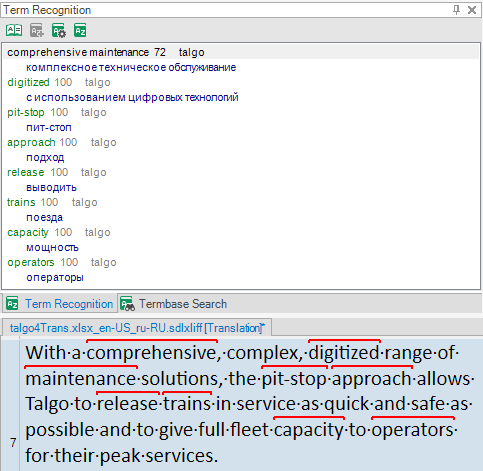
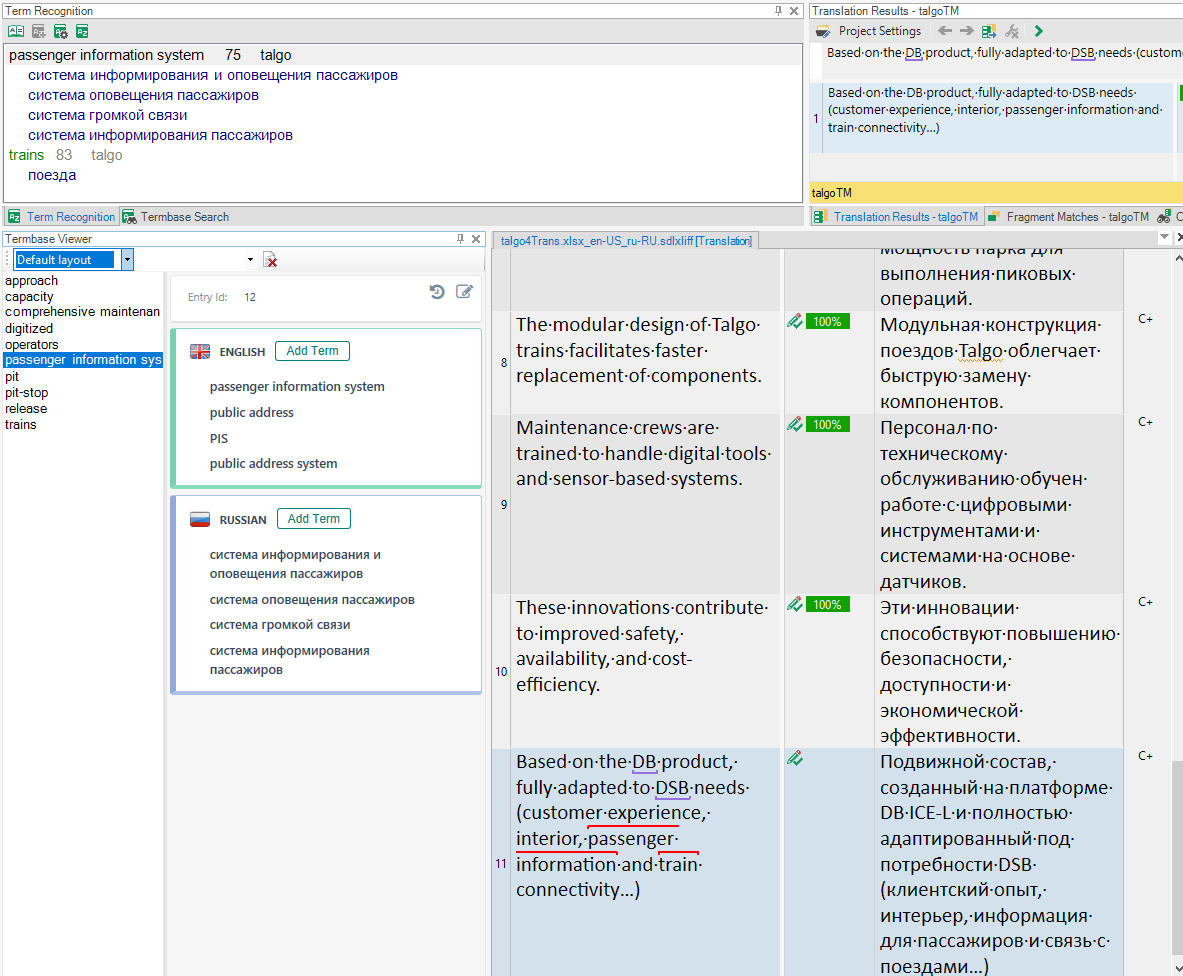
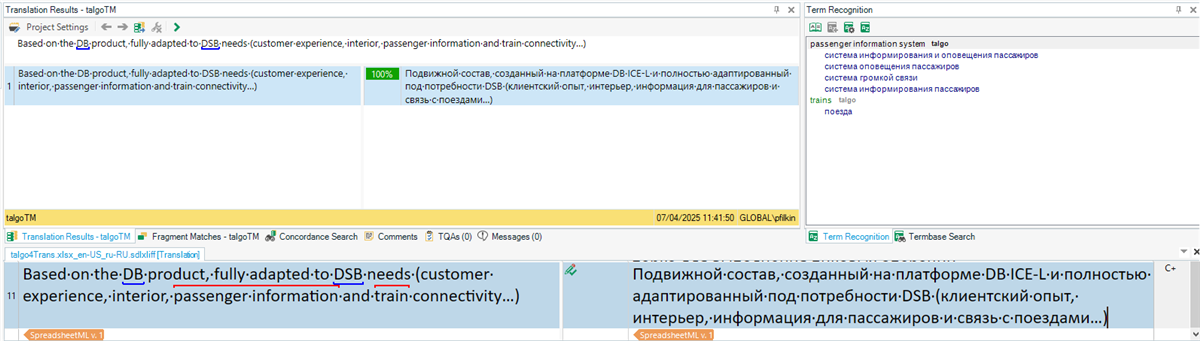
Here is a curious example of term recognition performed by Multiterm today:
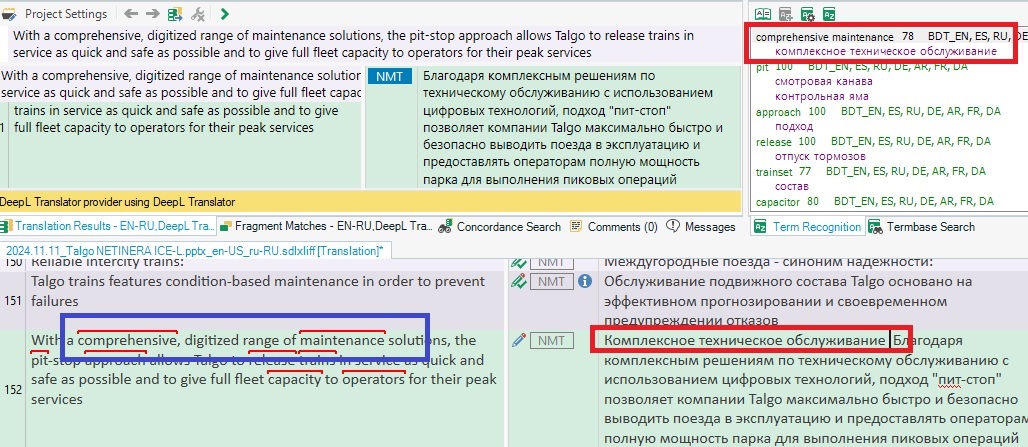
Screenshot of Trados software with term recognition highlighting 'comprehensive' and 'maintenance' in a text segment. Term Recognition pane shows 'comprehensive maintenance' with a 78% match.

I have NEVER seen Trados recognize separate words as part of a term saved in the database (comprehensive and maintenance, in this particular case). 

The search is set to 70%, which is a standard issue:
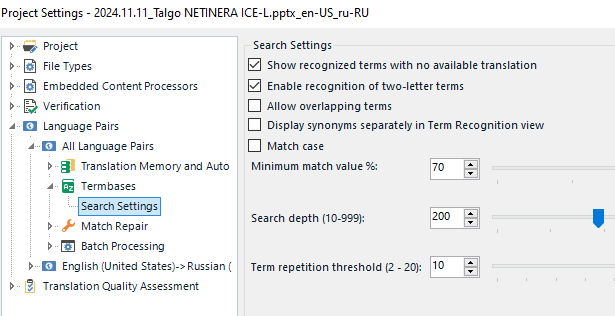
Screenshot of Trados software showing Project Settings with Search Settings expanded, highlighting the 'Minimum match value %' set to 70.

First, I thought that Multiterm recognized only "comprehensive" and returned a fuzzy match from the database (even this would be a 50-60% match, definetely not 70%, in my opinion).

But then I saw that "maintenance" does not appear in the hitlist as a separate term, meaning that both words were recognized as parts of "compehensive maintenance". How come? There are 3 words inbetween!

This has never happened in the previous versions. Is there any technical explanation? New search processes in Trados 2024?

Would be very grateful for the explanation! Thanks in advance!


Generated Image Alt-Text
[edited by: RWS Community AI at 8:09 AM (GMT 1) on 2 Apr 2025]

emoji
Parents Reply Children
  • OneDrive is a must now. So everything is synchronized immediately. But originally I have it on Disc C.

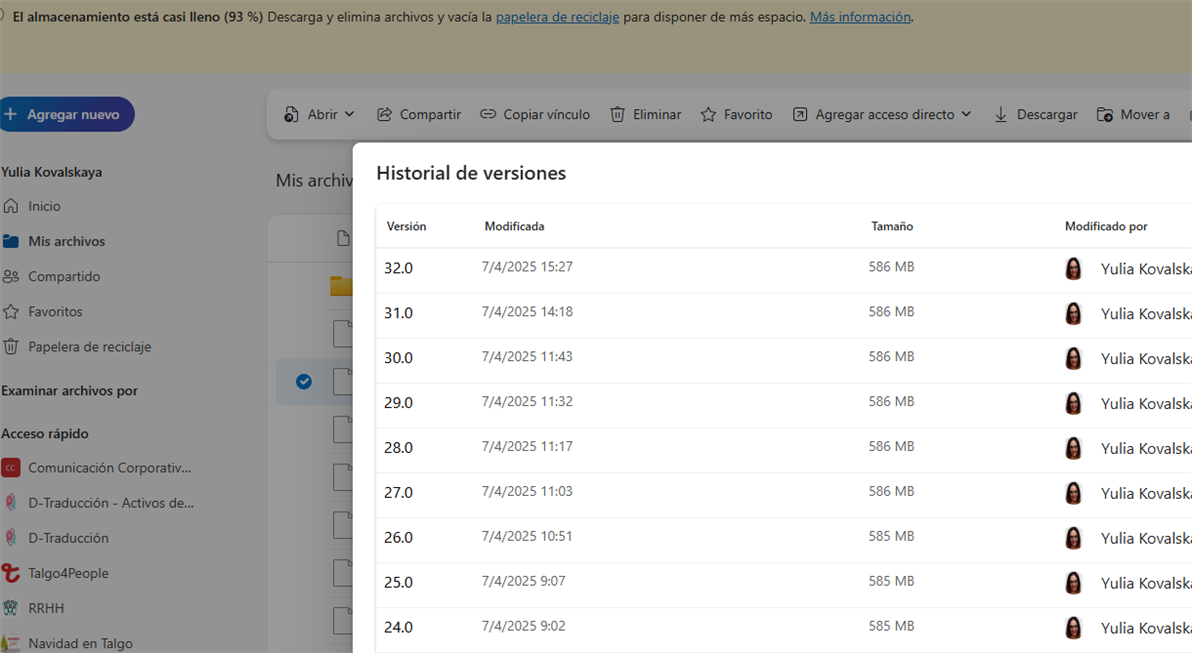
    Ahh, since you´ve mentioned OneDrive, I will tell you another problem. My OneDrive gets full (1TB) every two months. And I have no permission for bulk operations (to delete all backup versions in one click). I can do it only one by one. You know the reason? Every time I merge, delete, add or modify an entry...with every click of mine, a Multiterm TDB backup version is created :) 

    Same happens to the translation memories:

    Screenshot of OneDrive storage almost full warning with a version history list showing multiple entries for a MultiTerm TDB, all modified by Yulia Kovalskaya with file sizes around 586 MB.

    So, the first step is to update both applications. I will request for it and see how Multiterm "behaves":)

    emoji


    Generated Image Alt-Text
    [edited by: RWS Community AI at 2:15 PM (GMT 1) on 7 Apr 2025]
  •  

    Ahh, since you´ve mentioned OneDrive, I will tell you another problem. My OneDrive gets full (1TB) every two months. And I have no permission for bulk operations (to delete all backup versions in one click). I can do it only one by one. You know the reason? Every time I merge, delete, add or modify an entry...with every click of mine, a Multiterm TDB backup version is created :) 

    A good example of why it's a bad idea to put Trados and MultiTerm resources on a OneDrive path.  Like many applications that use large resources and synch often they can have issues when they are living on a OneDrive path.  This isn't anything we can address... we have addressed it already with Trados Cloud... so if you wish to use the desktop environment you'd be advised to make sure your resources are not hosted on OneDrive and you just back things up the old way with a regular backup up.

    You don't have to keep things on OneDrive... they can be wherever you want.

    Paul Filkin | RWS

    Design your own training!
    You've done the courses and still need to go a little further, or still not clear? 
    Tell us what you need in our Community Solutions Hub

    emoji
  • Completely agree with you, Paul! This has become clear to me even without IT-knowledge. Sometimes (when I don´t forget), I just turn the sync off during the day. In this case, if I am not mistaken, only the last available version of the resources is synchronized when on again.

    emoji