About SDL MultiTerm Extract

appstore.rws.com/.../
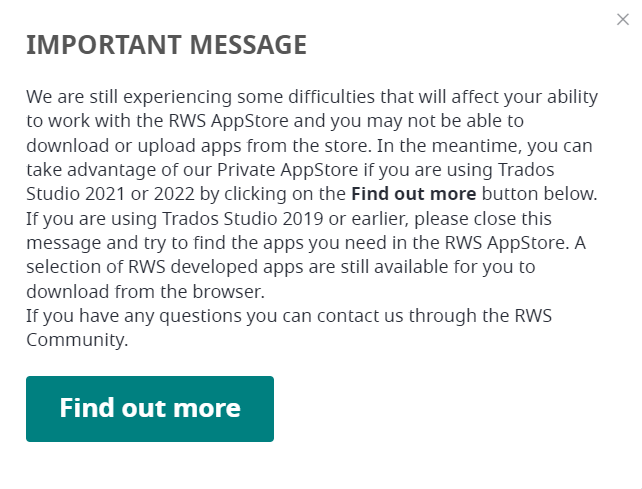
When I try to download MultiTerm Extract 16.1.1.541 (2021) I get the error below.
{
"error":{
"code":"500","message":"Could not find a part of the path 'C:\\Inetpub\\OOS\\_Apps\\xxxxxxxx-xxxx-xxxx-xxxx-xxxxxxxxxxxx\\SDLMultiTermExtract2021SR1_16.1.1.541.zip'."
}
}

emoji
Parents Reply
  • Hi, I managed to connect to the integrated AppStore on Trados 2022.

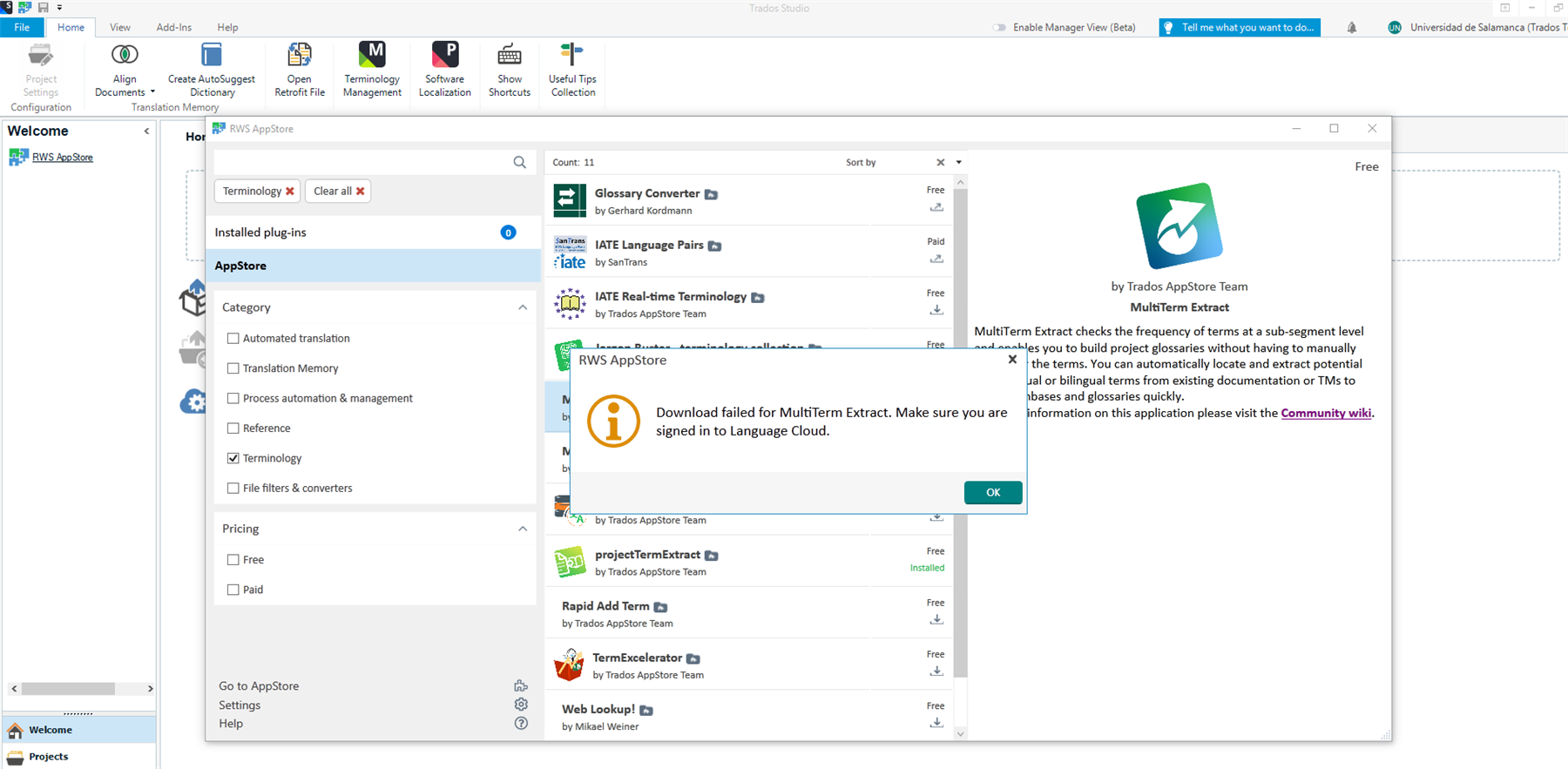
    However, whenever I try to download Multiterm Extract from it, I get an error message saying that I should be logged in to Language Cloud. I am logged in both on Trados and on my browsers (default: Chrome, but also IE, as it seems to be linked to Trados).

    Is this because Multiterm Extract is version 2021 whereas I have Multiterm 2022 installed? 

    I am able to download and install other plug-ins.

    Thanks,

    Trados Studio interface showing RWS AppStore with an error message overlay stating 'Download failed for MultiTerm Extract. Make sure you are signed in to Language Cloud.'

    emoji


    Generated Image Alt-Text
    [edited by: Trados AI at 2:13 PM (GMT 0) on 5 Mar 2024]
Children