Target not populating after using Language Weaver Machine Translation

Hello

I have reviewed some of the other answers to people having issues after pre-translation and target side not populating with no results.

I am testing machine translation for Language Weaver.  I am using the same settings for a template I am using for Google MT.

This image is of the tasks I have setup.
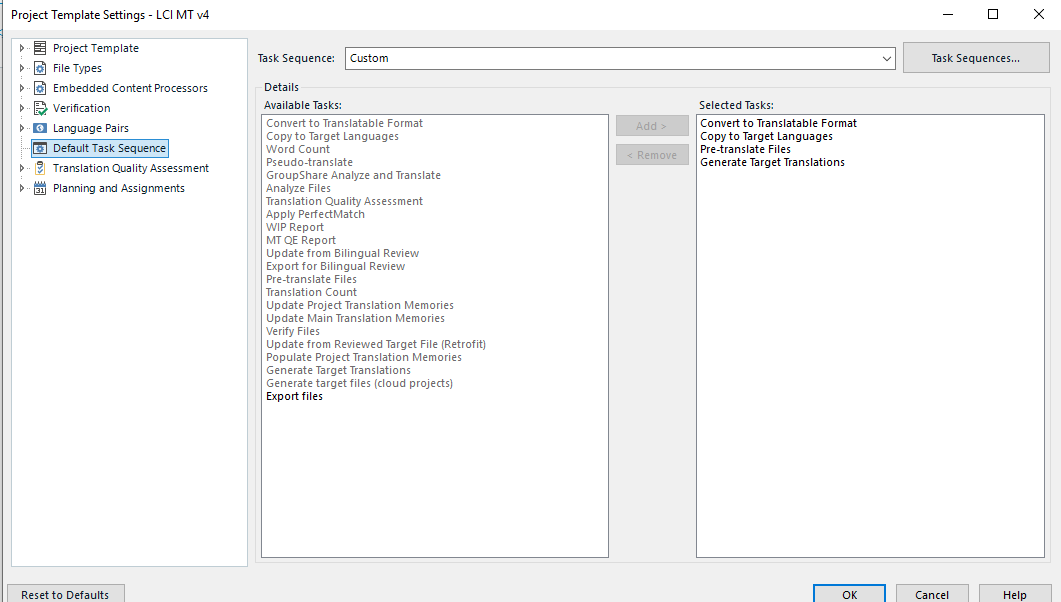
Screenshot of Project Template Settings in a software application showing a list of Available Tasks and Selected Tasks for a custom task sequence.

Here are the settings used for Pre-Translation
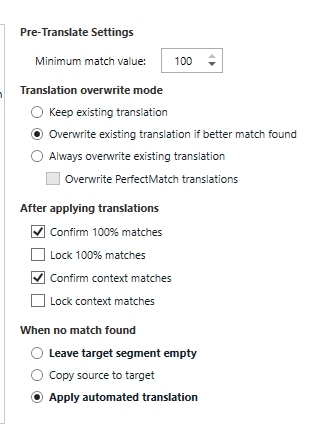
Screenshot of Pre-Translate Settings with options for minimum match value, translation overwrite mode, and settings for after applying translations and when no match is found.

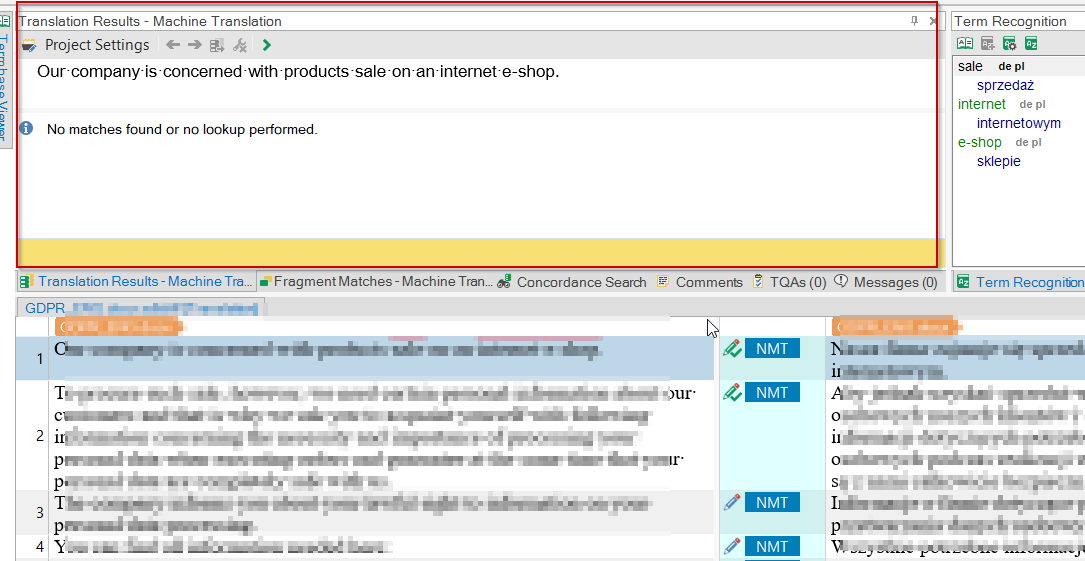
When I use these settings for Google I get the Target fully populated, but not when I use the Language Weaver MT plugin within Trados.

I am using Windows and Trados version SR2 16.2.12.9338

Am I missing a setting or is there some other issue?


Generated Image Alt-Text
[edited by: RWS Community AI at 10:26 AM (GMT 0) on 14 Nov 2024]

emoji
Parents Reply
  • Thank you very much.  This looks to have solved the issue.

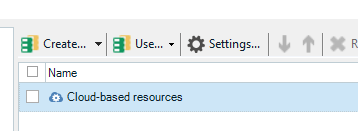
    That cloud based option is what I was told originally by RWS support as to how to connect to this MT option.

    In the original way I had it setup and still got results if I clicked in segement by segement.  Just not Pre-Translation.

    Now, with your direction, I have full pre-translated file to work with.

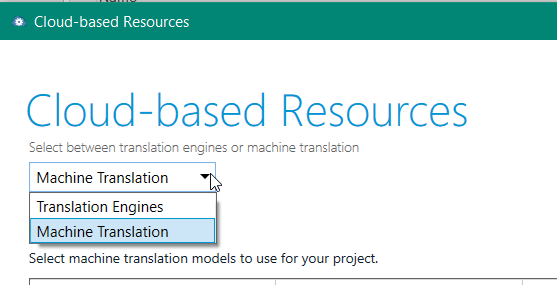
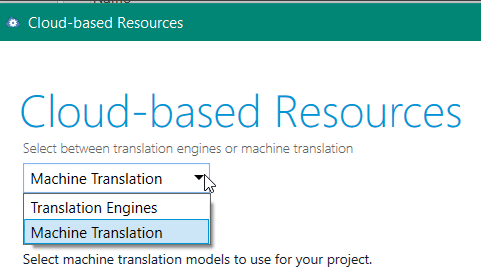
    I did not have to change that part from translation engine to machine.

    Dropdown menu in Trados Studio showing options 'Translation Engines' and 'Machine Translation' under Cloud-based Resources.

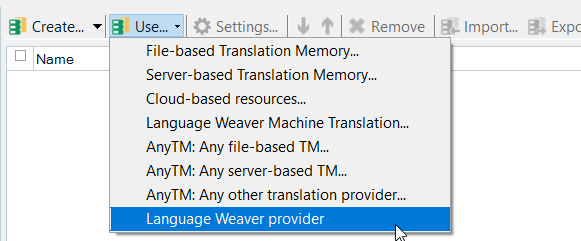
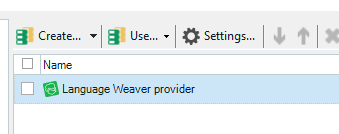
    It went straight to

    Trados Studio interface showing a checked box next to 'Language Weaver provider' under a list of resources.

    Again--thanks for the assist.

    emoji


    Generated Image Alt-Text
    [edited by: Trados AI at 6:14 AM (GMT 0) on 5 Mar 2024]
Children
No Data