Google API in Studio 2022

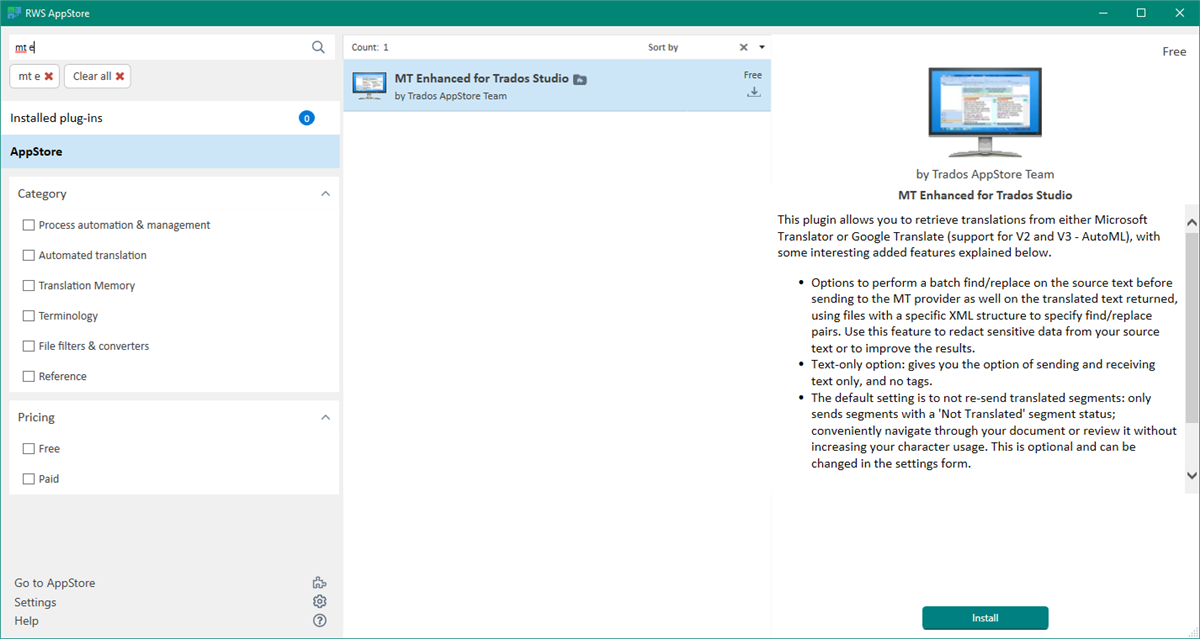
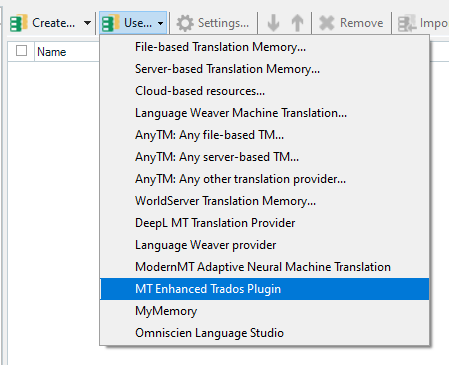
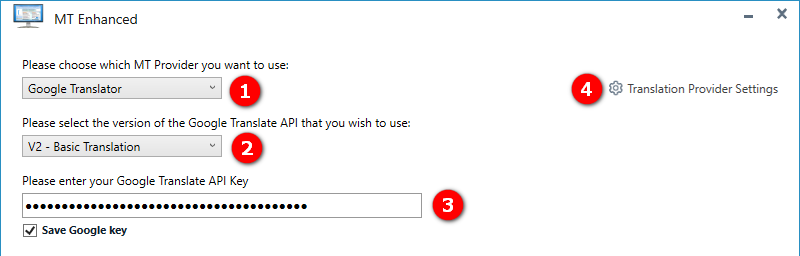
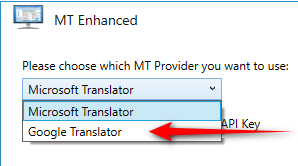
Hello, I have purchased Studio 2022 and would like to add a Google MT API. Where can I do that? In Studio 2019, that option was available when I chose a TM for a project:
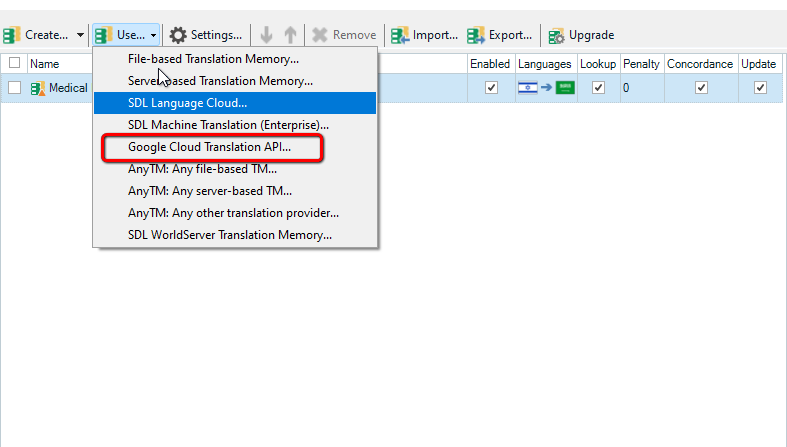
Trados Studio screenshot showing the Translation Memory and Automated Translation window with 'Google Cloud Translation API' option highlighted.

Thanks


Generated Image Alt-Text
[edited by: Trados AI at 6:18 AM (GMT 0) on 5 Mar 2024]

emoji
Parents Reply
  •  

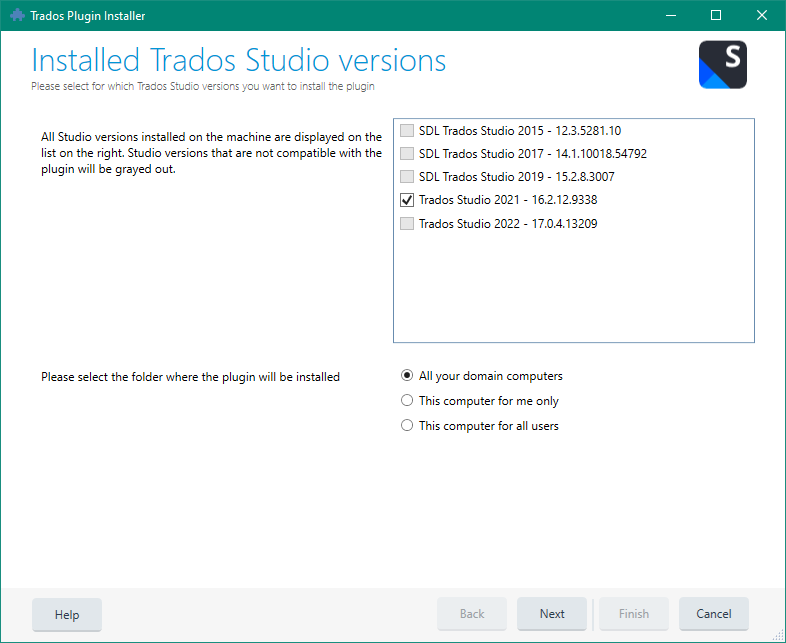
    If you close Studio, and if you have the right version of the plugin for your version of Studio, then just double click the plugin and you should see this.. for example:

    Trados Plugin Installer window showing installed Trados Studio versions with checkboxes. Trados Studio 2021 version is selected, others are not compatible and grayed out. Options to select installation folder for the plugin are at the bottom.

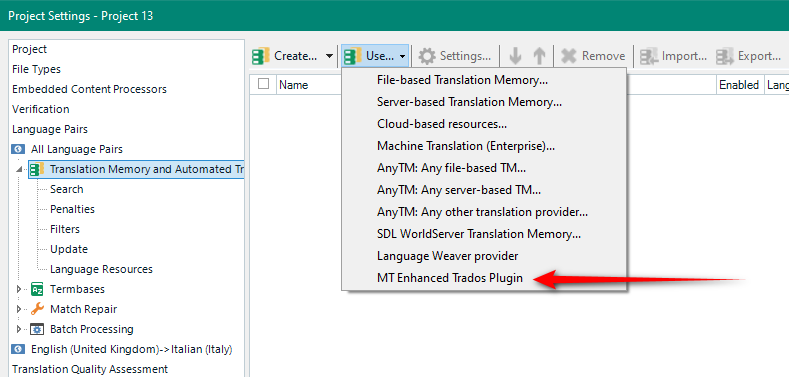
    The versions of Studio you have installed will show up, and only the one that matches the plugin you double clicked will be selected.  Click next and then finish and you're done.  Restart Studio and you should see it available in your list.

    Paul Filkin | RWS

    Design your own training!
    You've done the courses and still need to go a little further, or still not clear? 
    Tell us what you need in our Community Solutions Hub

    emoji


    Generated Image Alt-Text
    [edited by: Trados AI at 6:19 AM (GMT 0) on 5 Mar 2024]
Children