
 Translate


Hi,
I just downloaded Trados Studio 2026 and I can't connect to my Azure OpenAI endpoint. I was able to connect with OpenAI Provider in 2024 with connections setup a long time ago, but now when I add connections it doesn't work either.
I'm not sure what to enter in the Endpoint vs the Model fields. Here is what it looks like : 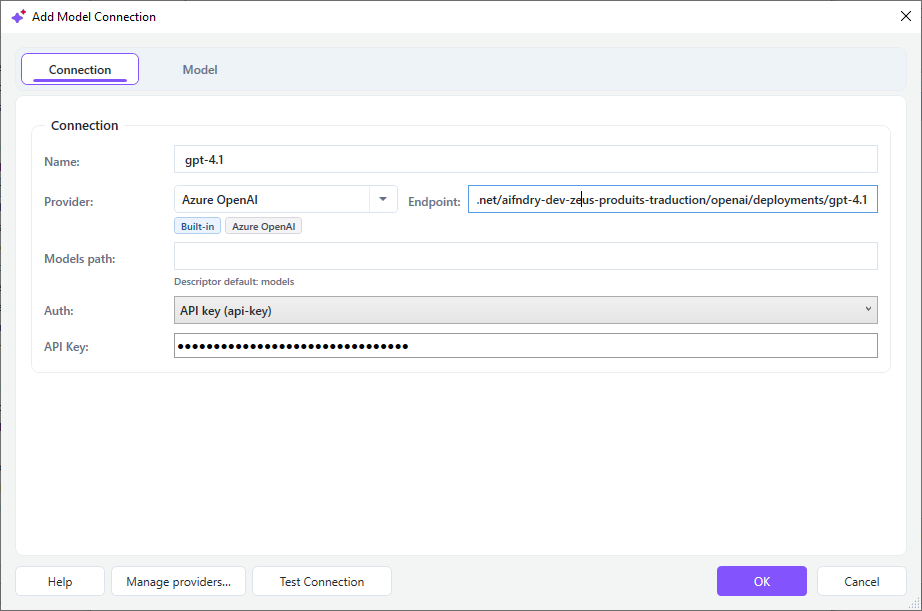
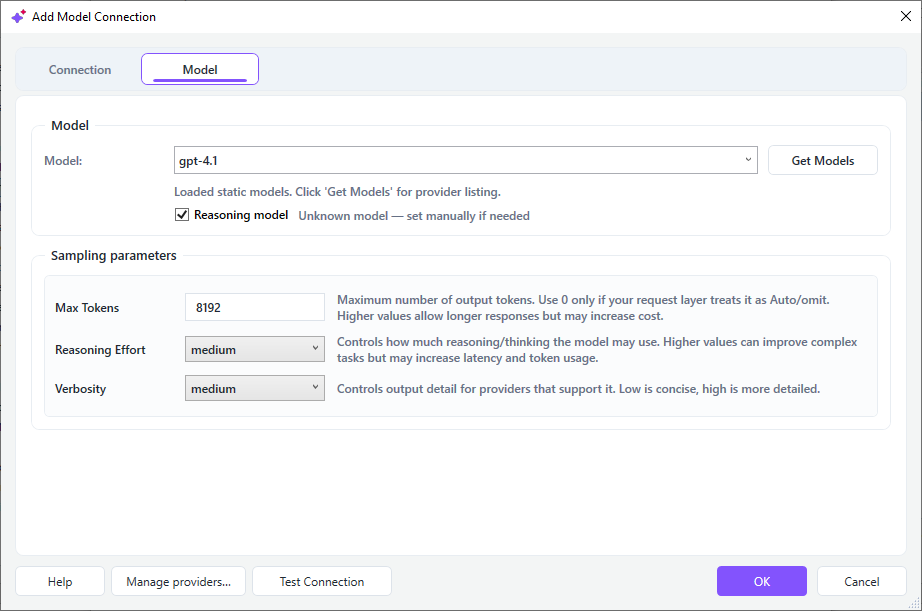
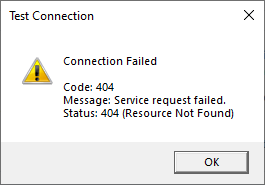
I tried moving around the "deployments/gpt4.1" part in both fields, but it still fails.
On the Foundry side however, it seems that requests sent from Studio leave out the middle part (top is how it should looks like in 2026 and bottom is a request from 2026):
Is the solution to be found in Trados' settings or in Foundry?
Thanks,
Charles
Generated Image Alt-Text
[edited by: RWS Community AI at 8:14 PM (GMT 1) on 30 Jun 2026]




