 Translate


DeepL plugin is not working since yesterday. I've already uninstalled and reinstall it, but it didn't help.


DeepL plugin is not working since yesterday. I've already uninstalled and reinstall it, but it didn't help.
Carla Lopes
We need context and detail in order to help you.
What version of Trados Studio are you using?
Has something changed between it was working and now its not?
Can you explain whats not working?
I assume you have the plugin installed and I assume you have a working API key?
Which one are you authentication: V1 or V2?
Is it performing lookup but you have concerns with a specific feature like formalities or glossaries perhaps?
Are you getting a specific error?
A screen print or saving/attaching the error logs would help.
Thanks in advance for a detailed reply
Lyds
Oana Nagy | QA Engineer | RWS Group


Hello,
I have been having the same problem for a few days. I reinstalled Studio and the DeepL plugin, even recreated my API key and still I always get the "No matches found or no lookup performed." prompt. See image. I am using Studio 2024 Freelance on Windows 11. Thanks for your help.
Myrianne
Hello,
I have been having the same problem for a few days. I reinstalled Studio and the DeepL plugin, even recreated my API key and still I always get the "No matches found or no lookup performed." prompt. See image. I am using Studio 2024 Freelance on Windows 11. Thanks for your help.
Myrianne

So to confirm you can authenticate?
Are you using V1 or V2?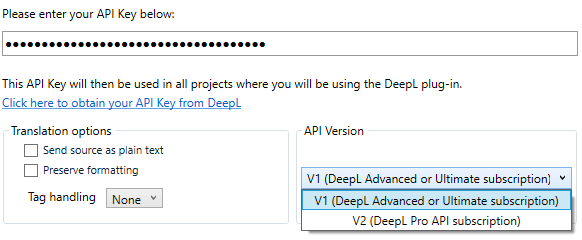
You have it enabled as I do here with the enable box checked?

When opening your files in Studio is there already target translation applied?
If you see below I can reproduce the error because the segment is translated + confirmed.
That said there are settings that manage this
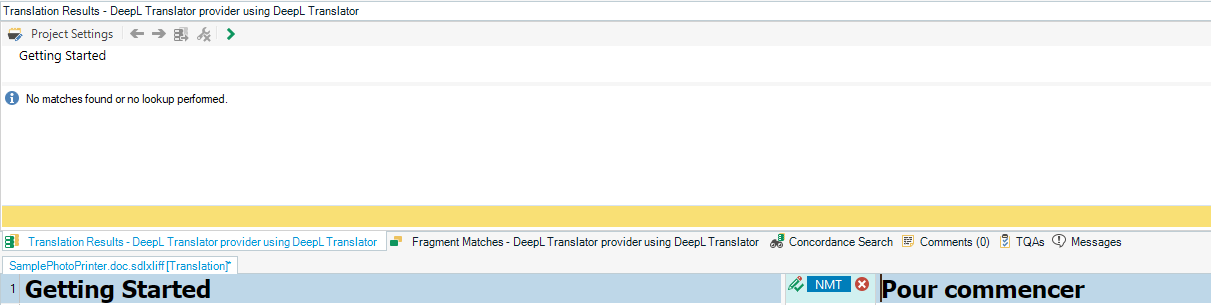
Failing that, what do the error logs show as noted here:
C:\Users\username\AppData\Roaming\Trados AppStore\DeepL\DeepLLogs
Lyds
Oana Nagy | QA Engineer | RWS Group
Hi,
Thanks for your reply. I am using V1 and I have it enabled like on your image. The problem is not authentication related. There is also no target translation applied.
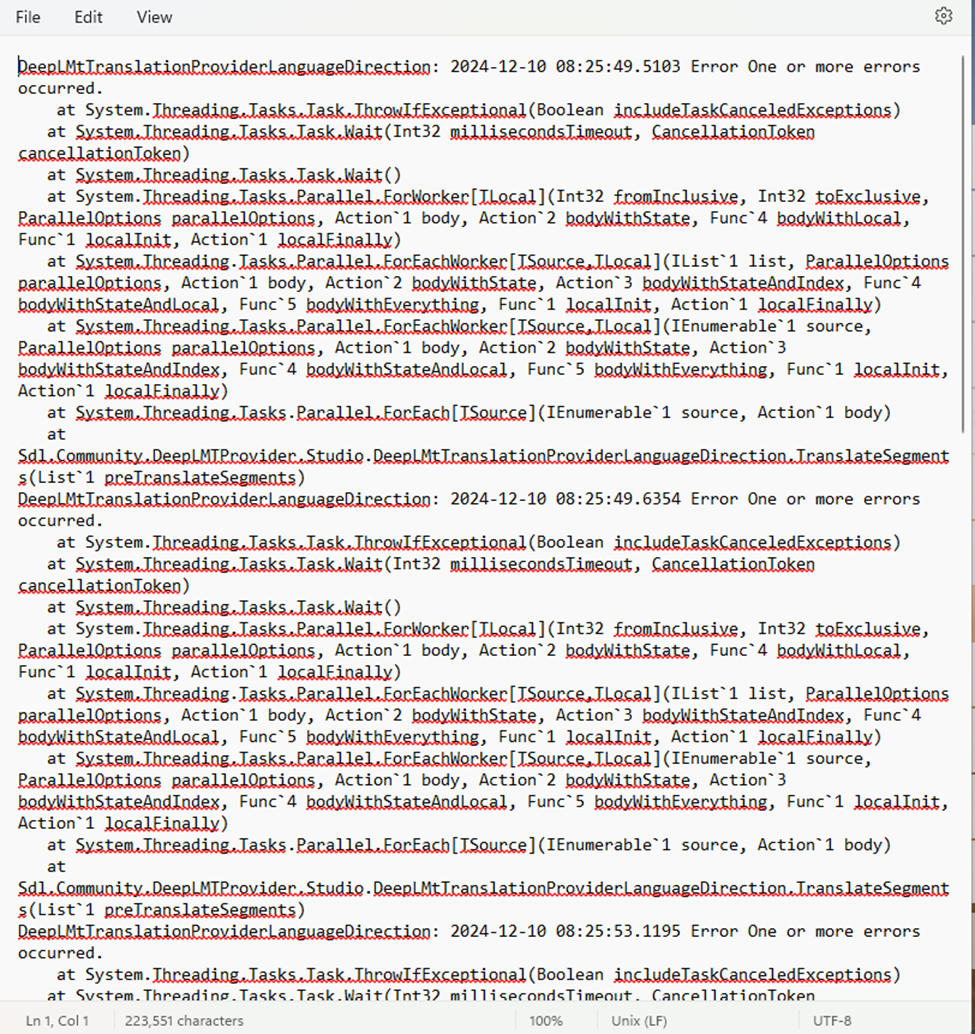
However, after not working for several days, it just started working now. Hurray! Here is the image of the log in case you see something that might cause this problem again. It might have been a Windows update that changed something.
Thanks!
Myrianne

https://www.proz.com/post/3066680#3066680
Hope that can work for you too, adding a new variant on target TM and see if Deepl process it now.
