
 Translate


Hi
Helping a customer who bought GS Cloud to set up his TMs and users, I noticed that I cannot display or edit roles, although I am logged in as administrator.
As soon as I click on the tab "Roles", I get this error message:
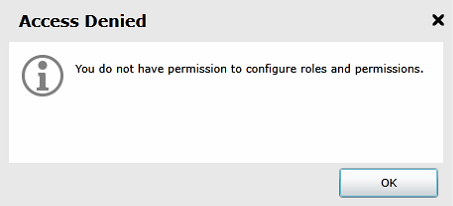
Is this a general restriction for GS Cloud users or a configuration error?
The problem is that even if I am not able to define own roles - which may be acceptable - I cannot even lookup which access rights are assigned to which predefined role. So, how do I know what the differences are between a "Translator" and an "External Translator" for example.
Walter


