Translate


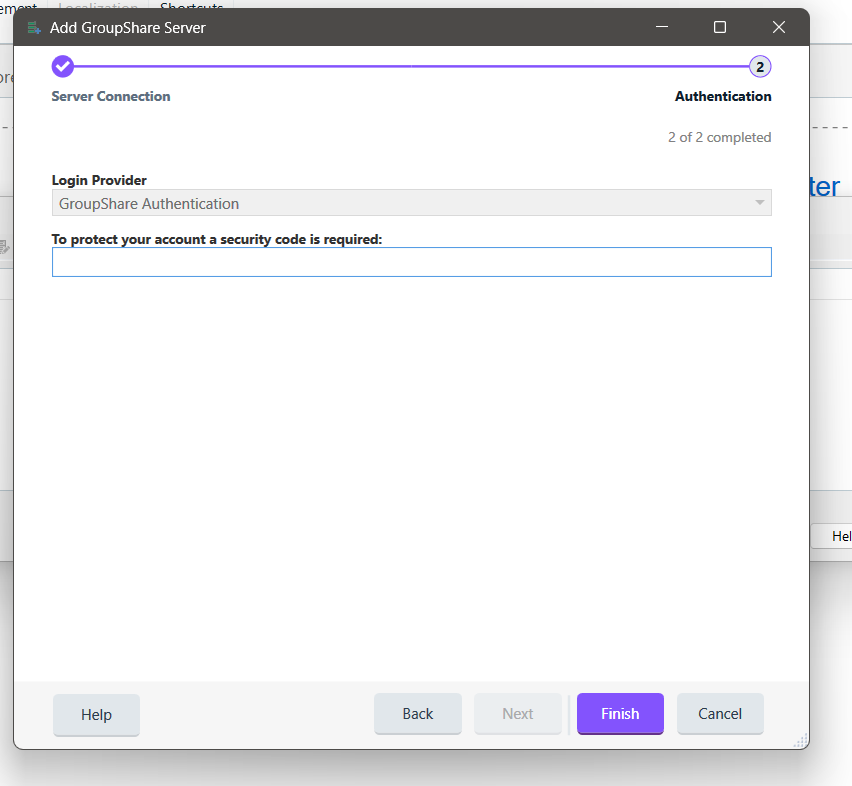
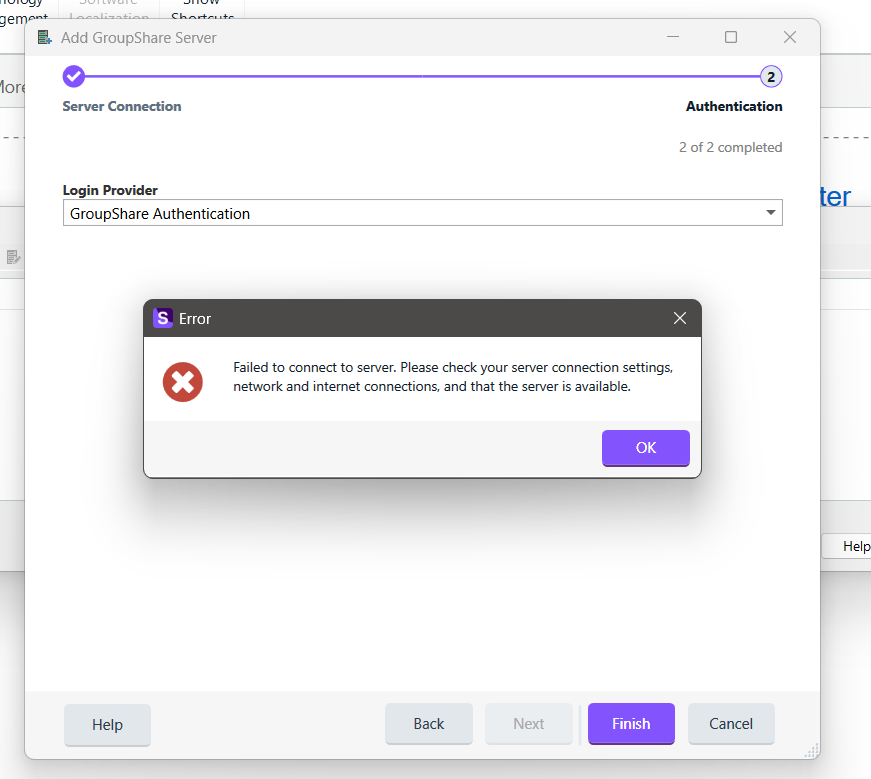
After installing Studio 2026, I cannot connect to Groupshare servers. Trados either throws a connection error or keeps asking for a security code although MFA is turned off on the server side of Groupshare.
The SSL settings are also entered correctly on Trados (443 with SSL box ticked) and the Groupshare server is accessible via a browser.
If I log in from Trados 2024, I have no issues. Then, the connection stays alive for a while and I can connect via Trados studio 2026 until the session expires.
Since I thought that the issue was caused via a clash between the two software versions, I did the following, but the problem persists with all Groupshare connections I've tried:
1. Removed Groupshare server settings and tried again - didn't help
- Created a new password on Groupshare and made sure that MFA was turned off. - didn't help.
- Turned MFA on the server side and the code is also not accepted by Trados.
- Disabled Firewalls and cleared DNS cache - didn't help
2. I removed Trados licences and uninstalled all versions of Trados studio + plugins from the disk.
- Cleared all trados/SDL folders from the Program Files, Program Files (x86), ProgramData and from Local/Roaming in the Users>AppData directory
- Ran CCleaner Reg cleaner and Bleachbit
- Restarted the PC
- Reinstalled Trados 2026
... but the problem persists.
So basically I can't use Trados 2026 because I mainly work on Groupshare projects.
What else can I do? As I mentioned earlier, everything runs fine on Trados 2024 SR1