Translate


Hi. When I work on a GroupShare project and I try to save, the project is correctly saved locally, but then it seems that the message "Loading file" (in Italian: "Caricamento file in corso") gets stuck and after some time I get the following error message:
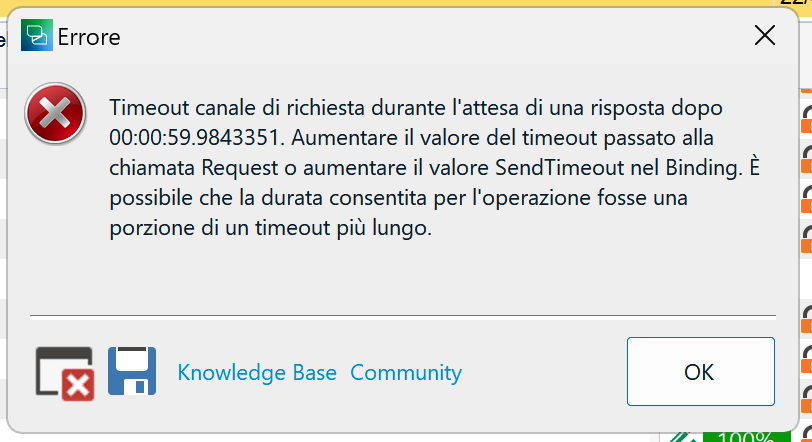
Please find here the error file: /cfs-file/__key/communityserver-discussions-components-files/347/6012.sdlerror_2D00_20221130_2D00_15h49m56s.sdlerror.sdlerror.xml
The same thing also happens when I try to check in the file after completing the task. For the sake of completeness, I recently switched from a Windows computer to a MacBook virtualizing Windows through Parallels, but I am not sure this is relevant as until a few days ago it always worked properly.
Generated Image Alt-Text
[edited by: Trados AI at 7:02 AM (GMT 0) on 5 Mar 2024]