
GroupShare Check-In issue - authentication failed

I'm encountering an issue where I am unable to check in my project file to deliver. 

First issue that I had for a while: Timeout - seems to have been resolved with editing the hosts file as suggested in this thread  RE: Request channel timed out when checking files in to Groupshare 

Current issue that fails the Check-In: "Authentication Failed. Please check that the username and password are correct."

=> obviously, I checked out the files from the server with the correct credentials and did the translation while being connected to the server, so I'm confused as to why it would fail now.

Would anyone have an idea what's going on here and how to fix it? Having the PM to check in my files each time is not a long-term solution (but at least my work gets uploaded)...

Thanks in advance!
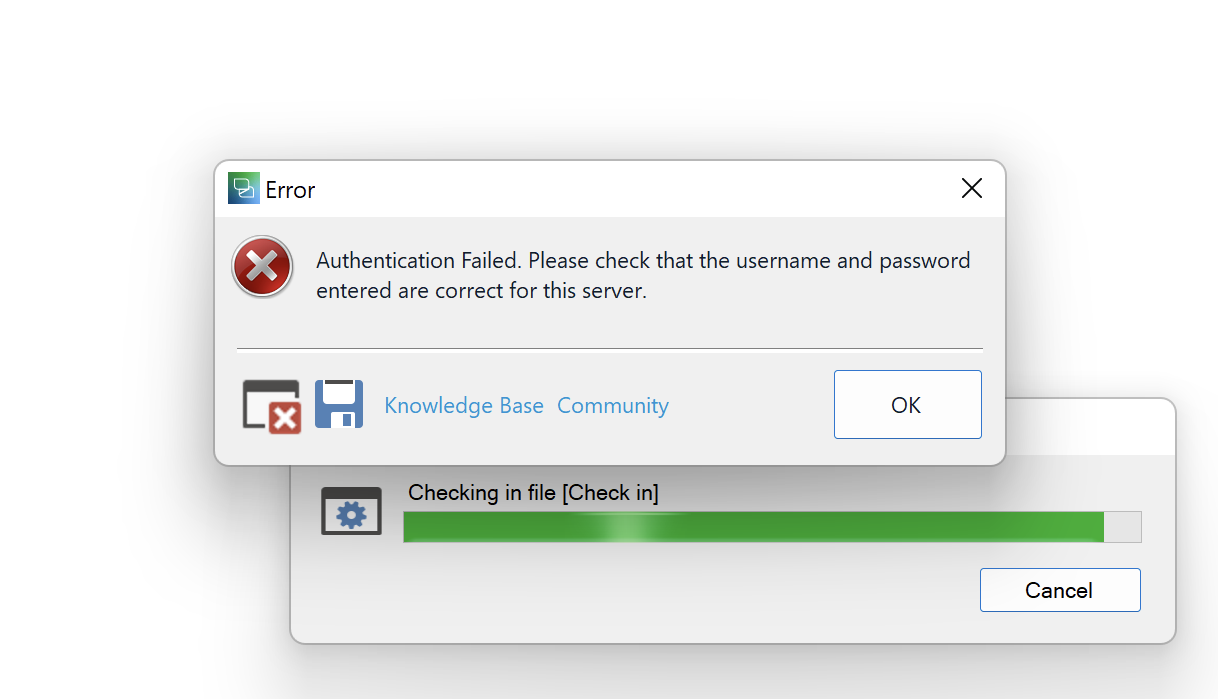
Error dialog box in Trados Studio displaying 'Authentication Failed. Please check that the username and password entered are correct for this server.' with an OK button. Below is a progress bar showing 'Checking in file Check in' with a Cancel button.


Generated Image Alt-Text
[edited by: Trados AI at 7:07 AM (GMT 0) on 5 Mar 2024]

emoji
Parents Reply Children
  • Hello! 

    I am sorry to be responding to a thread posted more than one year ago, but I came across the exact same problem today. I thought it may be worth consulting you. Were you able to resolve the issue? What was the problem after all? How did you solve it?

    I already tried changing my password, restarting the software, updating the software, restarting the computer and nothing seems to work. I am really frustrated with this.

    Thank you in advance for your help.

    Leonor Bravo

    emoji
  • Hi,

    The issue never really got resolved. Sometimes it worked again, sometimes it didn't, and the PMs and tech support couldn't really figure out why. Larger files were more of an issue ("large" being relative, like 2 MB or something).

    [BTW - I was on mac with Trados running on Parallels, thinking this might be the issue (firewall-related), but the issue persisted when I tried it on a Windows machine]

    This particular client switched from Groupshare projects to offline projects, also because the server connections were just too slow.

    At least know that your customer PM can submit the files manually on their end. Not ideal, of course.

    Cheers,

    Tim

    emoji