
Problem in loading term base when working on GrouShare project

Hello, I hope my message find you well :)

Recently I`ve purchased Trados 2022. When I work on a GroupShare project I can`t load the termbase. This is the error message.

Your help will be much appreciated.

Best regards,

MIlena Todorova

Bulgarian Freelance Translator
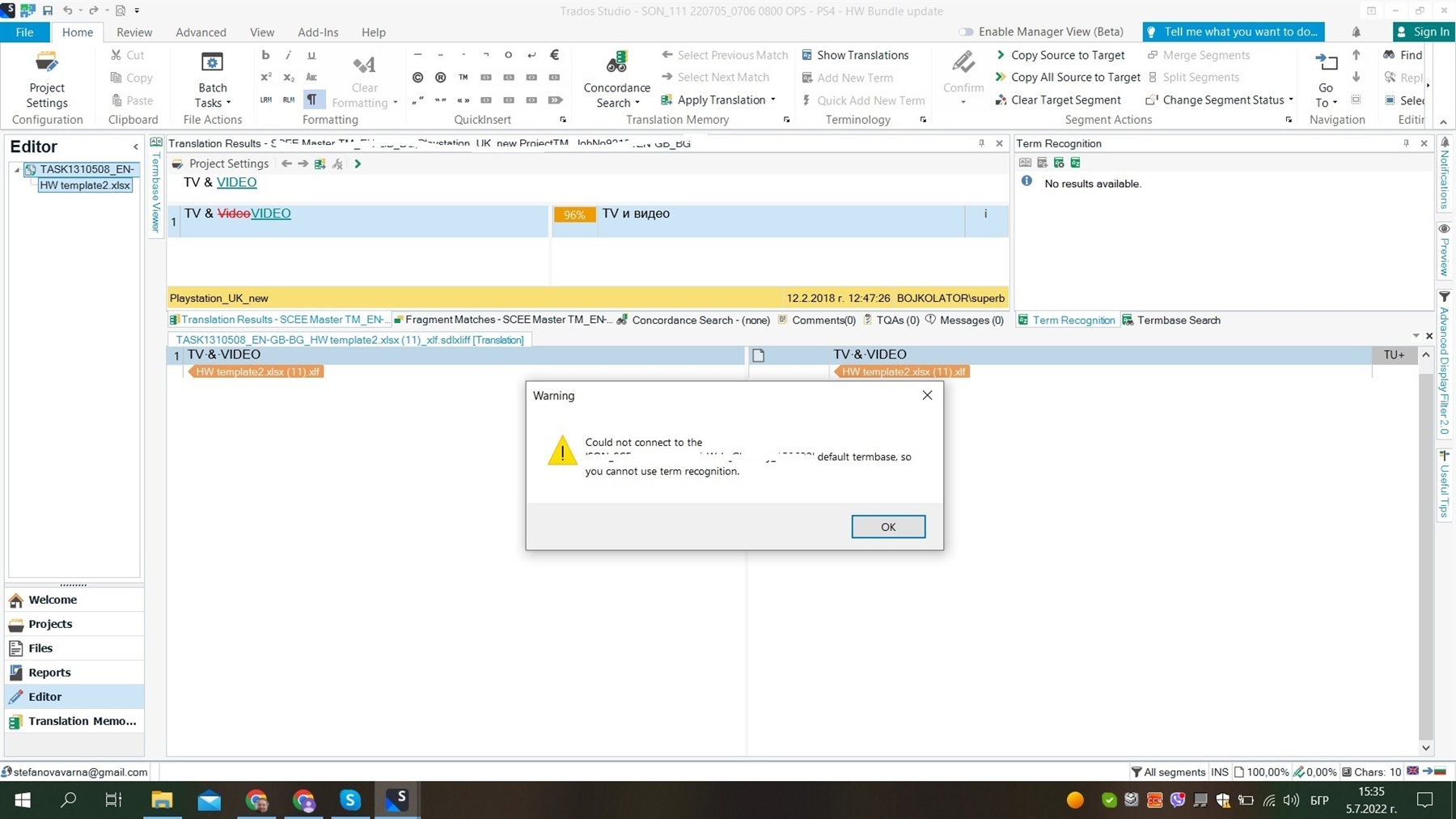
Trados Studio interface showing a warning message 'Could not connect to the server. Please check your network connection or the server default termbase, so you cannot use term recognition.'


Generated Image Alt-Text
[edited by: Trados AI at 6:58 AM (GMT 0) on 5 Mar 2024]

emoji
Parents
  • Hi  ,
    The message that you are seeing is probably caused by the fact that your GroupShare user doesn't have enough rights to access the termbase.

    Can you please ask the user who assigned you this project to check your GS user permissions regarding this termbase?

    This termbase access right can be found when opening the affected termbase :

    1. Open the server based termbase in MultiTerm Desktop

    2. Go to Administrator -> Expand the termbase

    3. Restrictions -> Check if the user is assigned to Public or Expert Role 

    I hope this helps.

    Alex J.

    emoji
Reply
  • Hi  ,
    The message that you are seeing is probably caused by the fact that your GroupShare user doesn't have enough rights to access the termbase.

    Can you please ask the user who assigned you this project to check your GS user permissions regarding this termbase?

    This termbase access right can be found when opening the affected termbase :

    1. Open the server based termbase in MultiTerm Desktop

    2. Go to Administrator -> Expand the termbase

    3. Restrictions -> Check if the user is assigned to Public or Expert Role 

    I hope this helps.

    Alex J.

    emoji
Children
