Translate


Hi, All, I am getting this error:
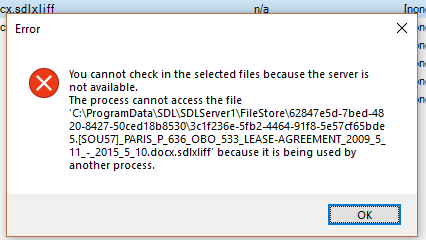
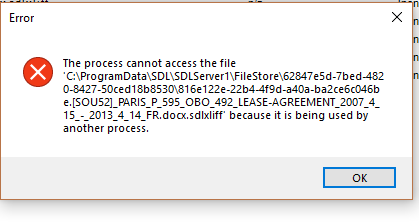
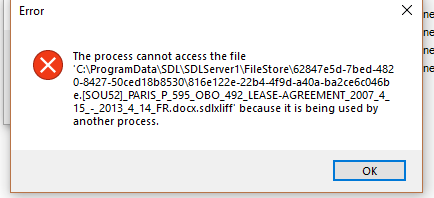
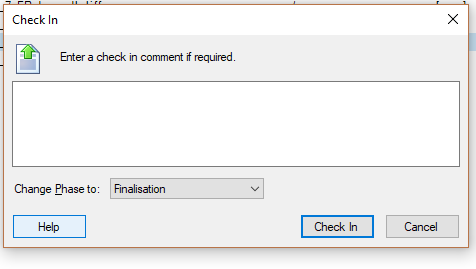
"The process cannot access the file as it is being used by another process" and related errors" (see screen shots). Sometimes it various slightly (see screen shots). This happens when I try to check in a file on a server-based project. This happens if I try to check in a single file or multiple files. It seems to allow me to change the phase to FINALISATION (see screen shot), but then gives the error.
Important points:
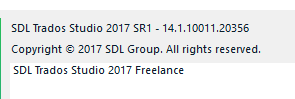
- I have Studio 2017 and just installed the update for Studio 2017, so now have version 14.1.10011.20356. I did not have this issue before the update.
- I also just installed Xbench 3.0, the 30 day trial for the full version. (But, then I uninstalled it and rebooted to see if that was the issue. It is still doing it.)
- I also whitelisted Studio in antivirus - Avast (again, since it was whitelisted before the recent update)
- I have also rebooted my machine and/or restarted Studio many times at this point.
Thanks for any ideas!