
Trados Studio 2024 Sign in Issue

Hi, 

I have downloaded Trados Studio 2024 (Trados Studio Professional - Concurrent User).

The status looks active, but once I open the app I get the following message: 
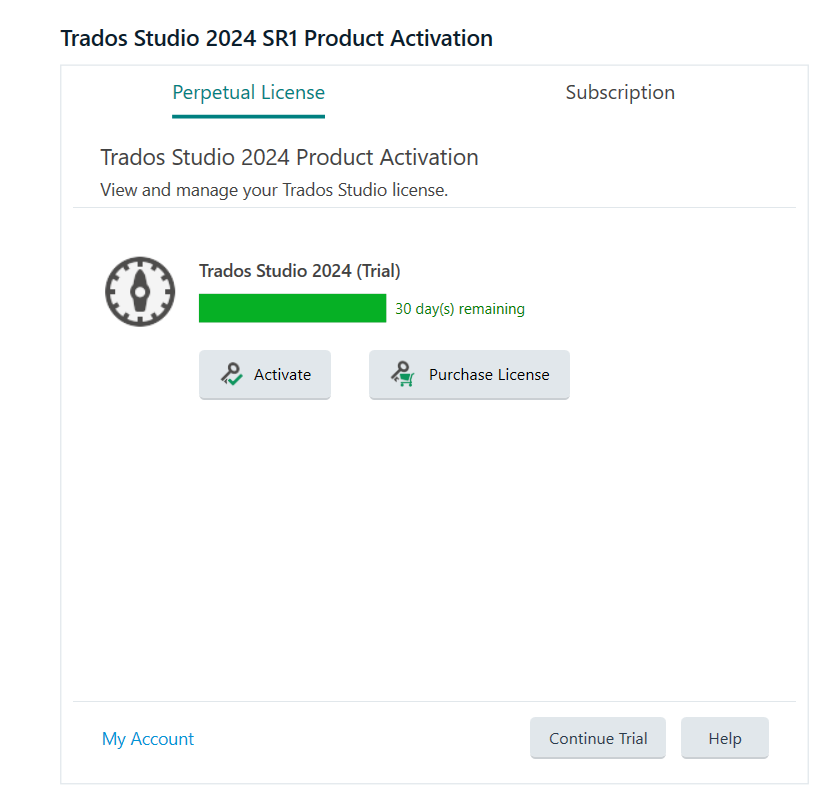
Trados Studio 2024 SR1 Product Activation screen showing a trial license with 30 days remaining, options to Activate or Purchase License, and buttons for Continue Trial and Help.

If I click on Subscription and try to sign in I get the following error message: 
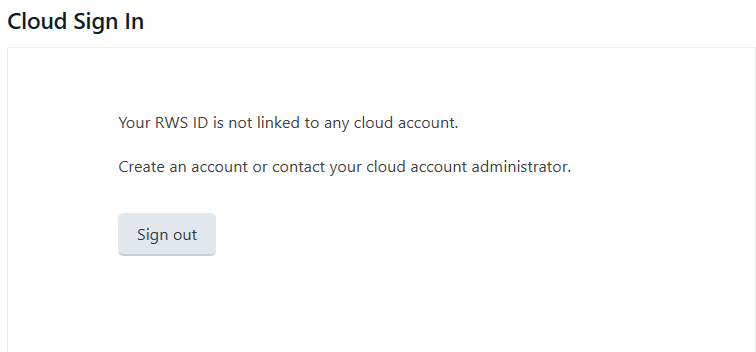
Cloud Sign In screen displaying a message stating 'Your RWS ID is not linked to any cloud account' with a Sign Out button below.

I also get the same message if I try to sign in from the top right corner of the screen. 
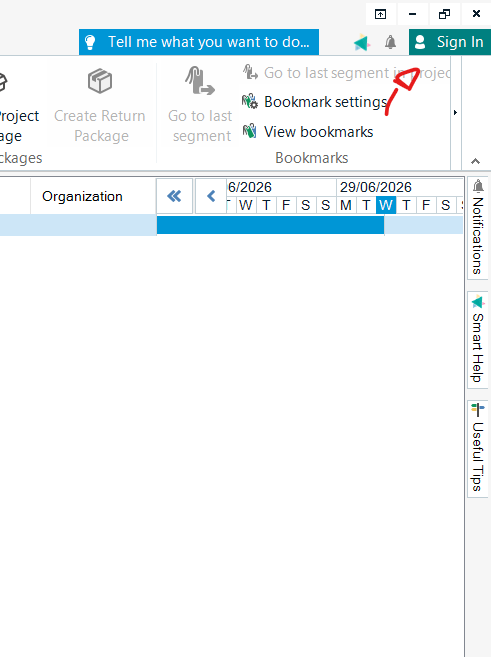
Trados Studio interface showing the Sign In option at the top right, a red arrow pointing to the Bookmark settings menu, and a calendar view in the main section.
Thanks, 

Giuliana


Generated Image Alt-Text
[edited by: RWS Community AI at 9:34 AM (GMT 1) on 1 Jul 2026]
emoji
