
 Translate


Hello!
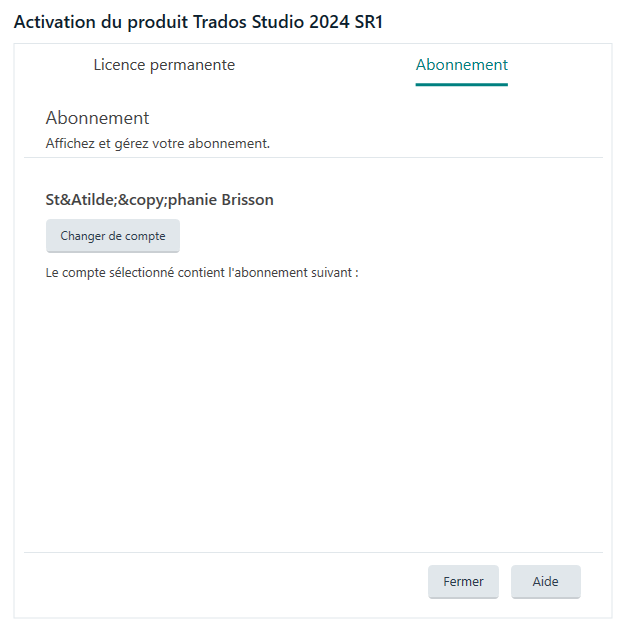
I'm currently encountering a problem where the Trados Studio desktop app (version 18.1.4.6694) is not recognizing my monthly subscription. I logged into Trados Studio but I get this, and when I exit the Activation window, Studio just gives a message that my license is deactivated and closes by itself.
This is the window I see when logging in after buying the new subcribtion (sorry, it's in French):
I tried to go on RWS Account to see if there was something I could do, but even though I have a subscription, this is what I see:
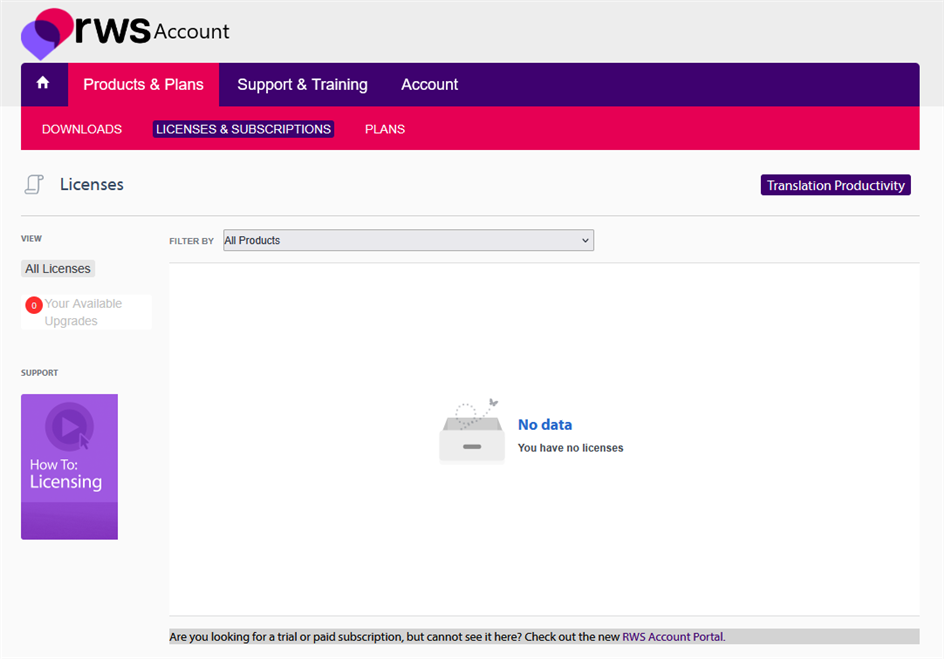
I'm not sure what I'm supposed to do, but this has never happened before when subscribing to the monthly plan after being unsubscribed for a few weeks.
Thank you for your help!
Generated Image Alt-Text
[edited by: RWS Community AI at 4:24 PM (GMT 1) on 9 Jun 2026]


