Installation of Trados 2015 fails

Dear All,

I need to reinstall Trados Studio 2015 on my computer Windows 11. I got the error :

'Error: Setup has detected that the file 'C:\Users\berkn\AppData\Local\Temp\VSD6135.tmp\VCRedist2005SP1-KB2538242\vcredist_x86.exe' has changed since it was initially published.'

Do you have any idea how to resolve this? 

Thank you in advance.

emoji
Parents
  • Hi Sorin (or colleague),

    Manual installation worked well without any error message, same with deactivation of the license on the old computer (Win10) and activation on the new computer (Win 11).

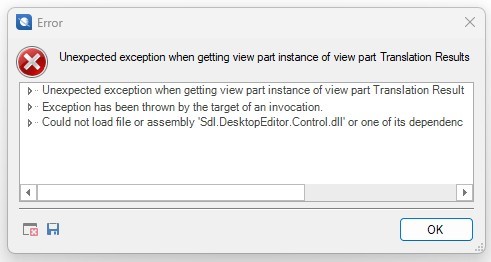
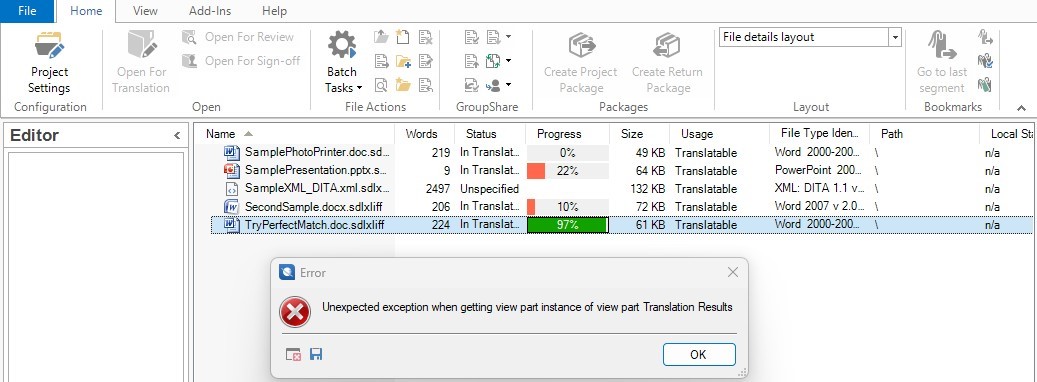
    When starting Trados now the following error message occurs: 

    "There is a problem with the installation. Studio cannot be run. If the problem persits you will need to re-install Studio."

    After a manual re-installation the same error occurs.

    What can I do?

    Best regards,

    Andrea

    emoji
Reply
  • Hi Sorin (or colleague),

    Manual installation worked well without any error message, same with deactivation of the license on the old computer (Win10) and activation on the new computer (Win 11).

    When starting Trados now the following error message occurs: 

    "There is a problem with the installation. Studio cannot be run. If the problem persits you will need to re-install Studio."

    After a manual re-installation the same error occurs.

    What can I do?

    Best regards,

    Andrea

    emoji
Children