Translate



Hello there,
My previous case CS0013118 was closed saying that my problem was solved, but unfortenatelly it is not correct.
I still cannot activate my Studio 2024 license in muy second computer. Here is the message I get when I try
to active the license:
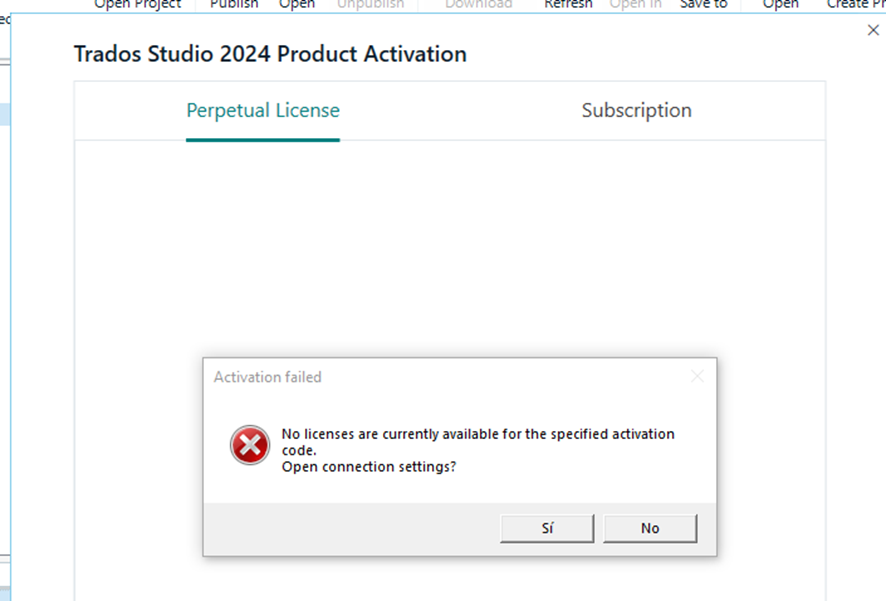
I hope I could get help any help with this.
I look forward to hearing from you.
Best regards,
Carlos Santos
Generated Image Alt-Text
[edited by: RWS Community AI at 5:59 AM (GMT 1) on 9 Jun 2025]