Translate



Hello again,
Once again, one of our team members is unable to activate the license server (Studio 2017).
The IT support:
-Made sure that the client's computer is communicating with the licensing server
-Made sure that her station is up to date
-Revived her VPN profile and connections with other resources on the same network
Software Version : SDL Trados SR1 5.1.6278
Screen shot before trying to activate the software.
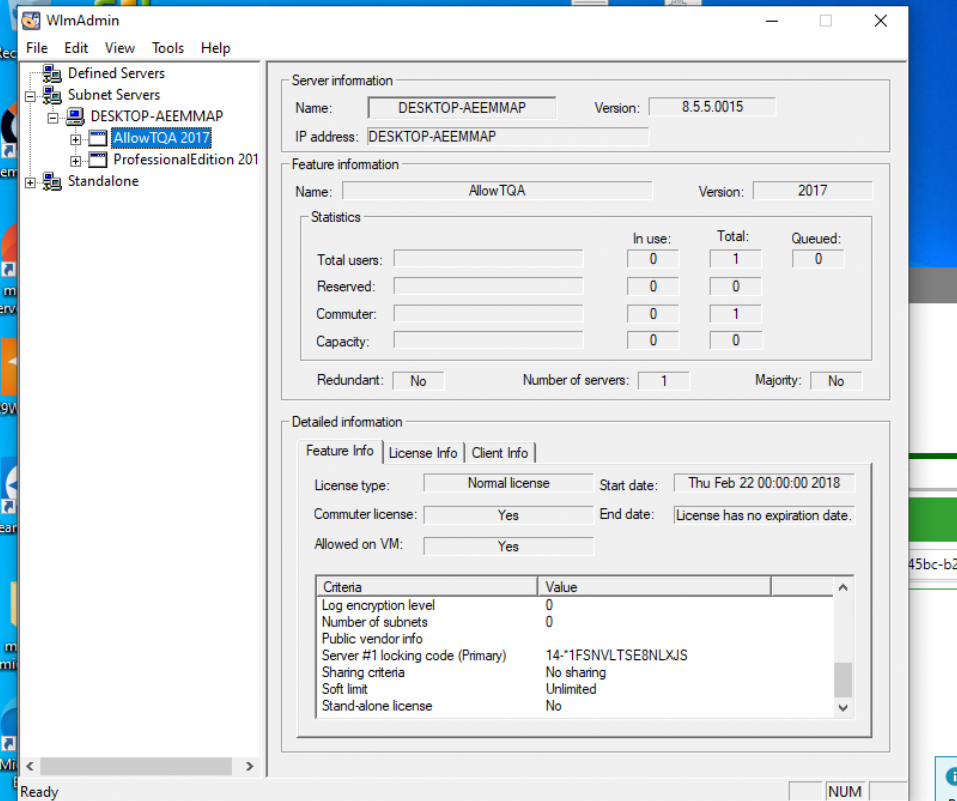
First attempt to activate it:
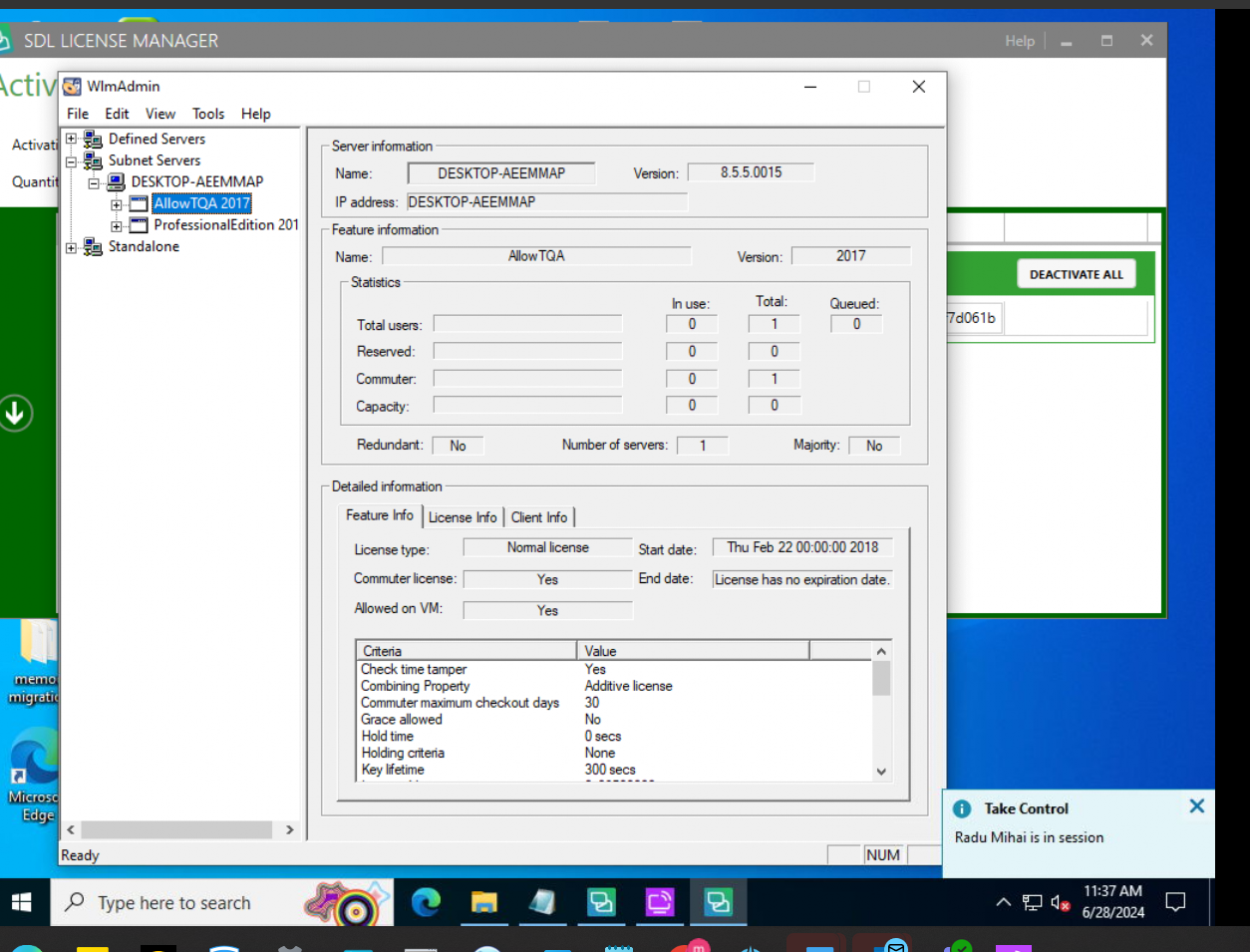
After reinstalling SDL Trados and trying again to activate it:
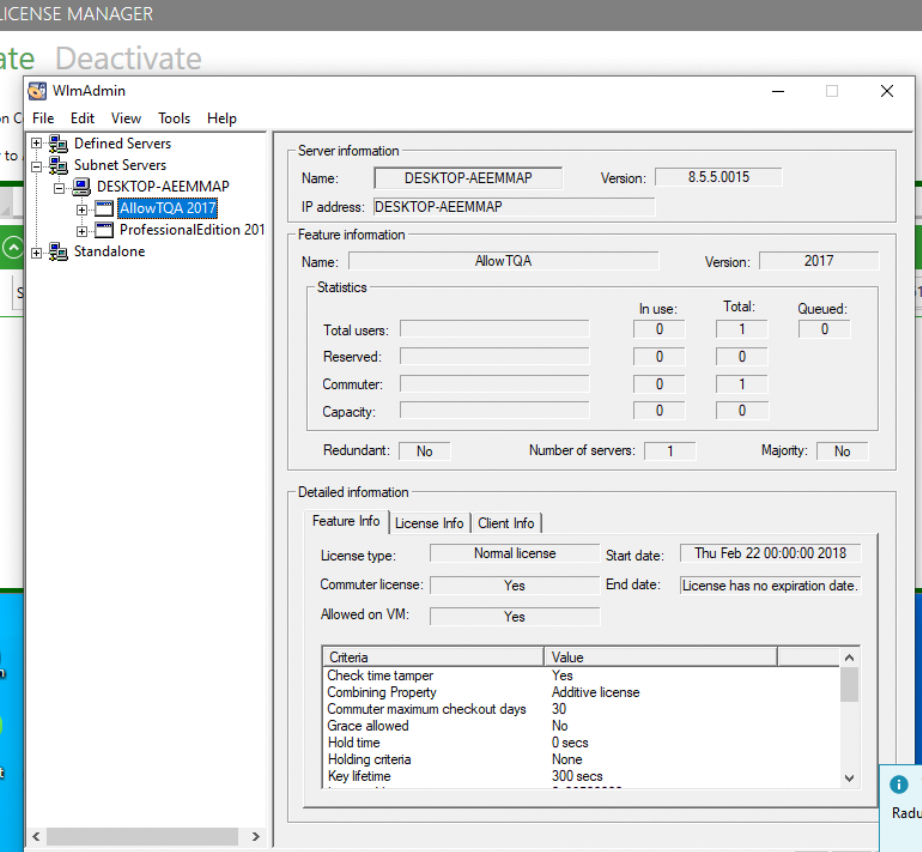
When using the code a seat is taken but the software is not activating the license, with the error listed bellow.
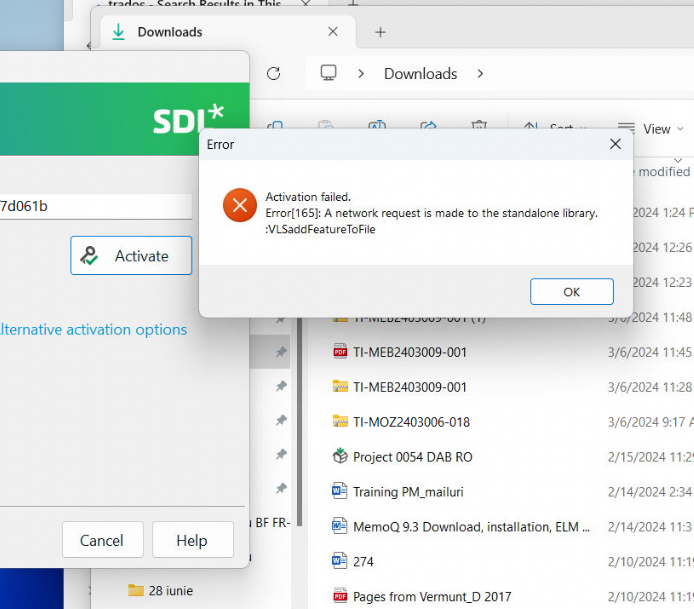
Can you please get back to us with a possible solution?
Thank you!
Generated Image Alt-Text
[edited by: RWS Community AI at 9:30 AM (GMT 1) on 28 Jun 2024]