Translate


When I opened Trados 2021 today, there was a notification at the top-right corner of Trados window about an update, so I clicked that notification to update it. But after the updating, I cannot open Trados 2021 at all.
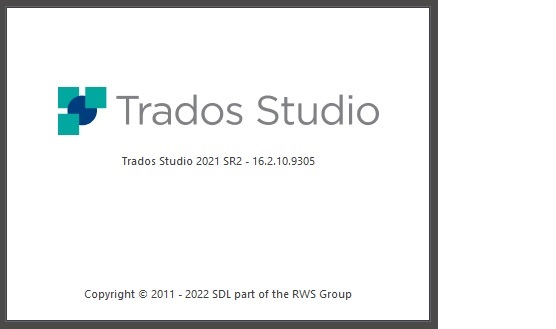
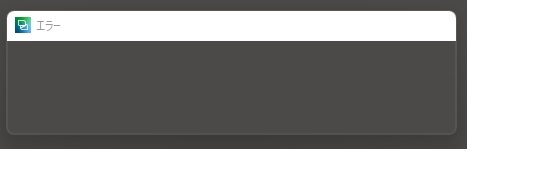
The followings are the details. When I click the Trados 2021 program to start it after updating, the attached screen (001) is displayed momentarily (maybe 0.1 second), and continuously the secound screen (attached 002 : only written "error") is also displayed momentarily. And everything is over. Nothing happenes after that.
To resolve the issue, I uninstalled Trados 2021 Desktop form Windows setting (Application > List of Application) from my PC, restarted the Windows 11, reinstalled Trados 2021 Desktop from RWS site, restarted Windows 11, and clicked the newly reinstalled Trados 2021 Desktop. But nothing was changed. That is, the screen 001 and 002 were displayed instantaneously and everythig was over.
How can I restart Trados 2021 Desktop again?
Generated Image Alt-Text
[edited by: Trados AI at 3:40 AM (GMT 0) on 5 Mar 2024]