Translate


Dear RWS / Trados Studio Product Team,
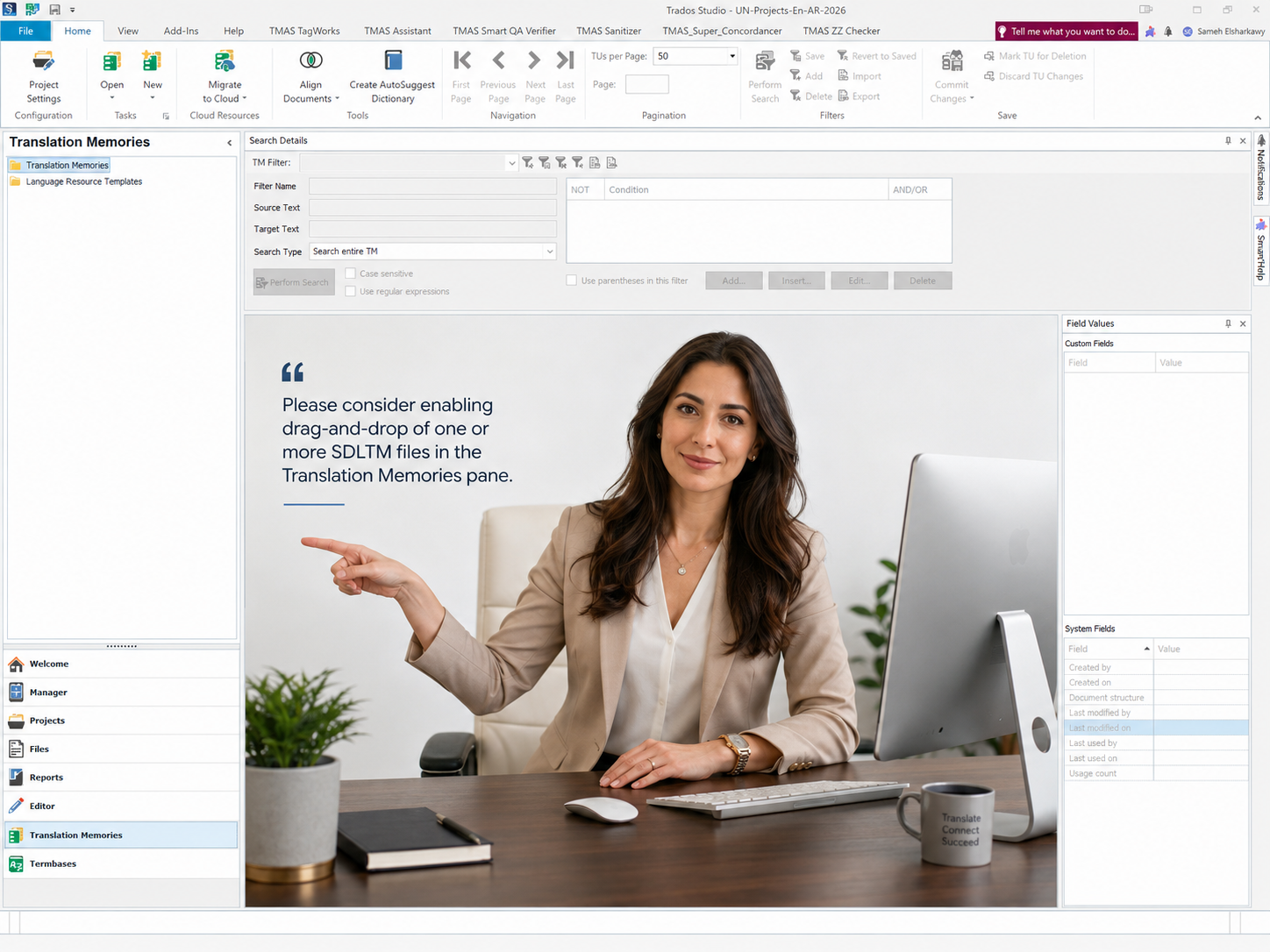
I would like to respectfully suggest a usability enhancement that would make daily Translation Memory management in Trados Studio significantly smoother and more intuitive: enabling drag-and-drop support for importing files into Translation Memories and similar file-based workflows.
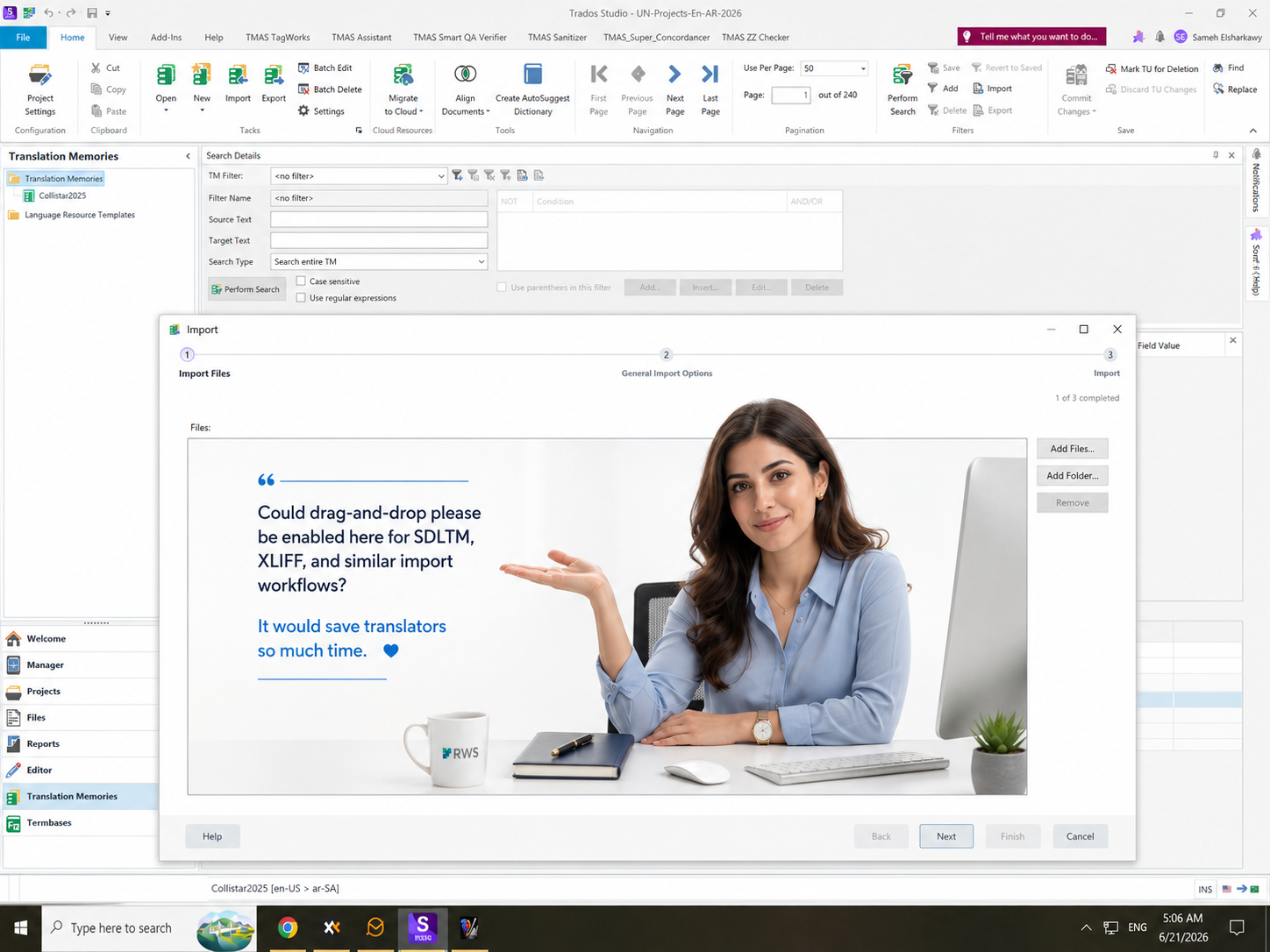
At present, when working in the Translation Memories view, users can open the Import dialog and add files through the Add Files or Add Folder buttons. While this works, it feels unnecessarily slower than expected in a modern desktop environment, especially when users already have one or more SDLTM, TMX, SDLXLIFF, XLIFF, or other supported import files ready in Windows Explorer.
The current workflow requires the user to click Import, then Add Files, then browse to the folder, then select the required file or files. This becomes repetitive and inefficient when handling multiple memories, large project archives, exported bilingual files, or regular maintenance tasks.
Suggested enhancement:
Please enable drag-and-drop support in the following areas:
- Drag and drop one or more SDLTM files directly into the Translation Memories pane.
- Drag and drop files directly into the Import dialog file list area.
- Drag and drop complete folders into the Import dialog, equivalent to using Add Folder.
- Support the same behavior for common import scenarios such as TMX, SDLXLIFF, XLIFF, and any other file types already supported by the relevant import workflow.
- Provide clear validation feedback if a dropped file type is not supported.
- Allow batch drag-and-drop of multiple files where the existing import workflow already supports multiple selections.
- Apply the same drag-and-drop principle consistently across other Trados Studio workflows where users are expected to add files manually through Add Files or Add Folder buttons.
Expected behavior:
When the user drags supported files into the Translation Memories pane or Import dialog, Trados Studio should automatically add them to the import list, validate the file type, and allow the user to proceed with the existing import options. Nothing in the underlying import logic needs to be changed; this is primarily a usability layer that makes the existing functionality faster and more natural.
Why this matters:
For translators, reviewers, project managers, and localization engineers, these small workflow frictions accumulate over time. Translation professionals often manage many files, many TMs, many imports, and many project folders. A simple drag-and-drop feature can save time, reduce repetitive clicking, and make the product feel more fluid and modern.
This would be especially helpful in scenarios such as:
- Importing SDLTM or TMX files into an existing Translation Memory.
- Importing SDLXLIFF or XLIFF files into a TM workflow.
- Adding multiple files from a project folder.
- Maintaining several client-specific TMs.
- Processing batches of bilingual resources.
- Rebuilding or updating TMs after completed projects.
- Supporting power users who handle large numbers of files every day.
User benefit:
This enhancement would make Trados Studio feel more aligned with modern Windows productivity expectations. Users naturally expect to drag files from Explorer into the area where those files are needed. When that is not possible, the workflow feels older than it should, even though the underlying functionality is already powerful.
This is not a request for a completely new import engine. It is a request to make the existing import workflows easier, faster, and more user-friendly by adding drag-and-drop support wherever file input is already expected.
I believe this small change would make a meaningful difference for many Trados Studio users and would remove a long-standing source of frustration in routine Translation Memory maintenance.
Thank you very much for considering this enhancement.
Kind regards,
Sameh Ragab