Translate


Idea Title
Allow Sorting Project Files by File Date / Last Modified Date in Trados Studio
Idea Description
Dear RWS Trados Studio Development Team,
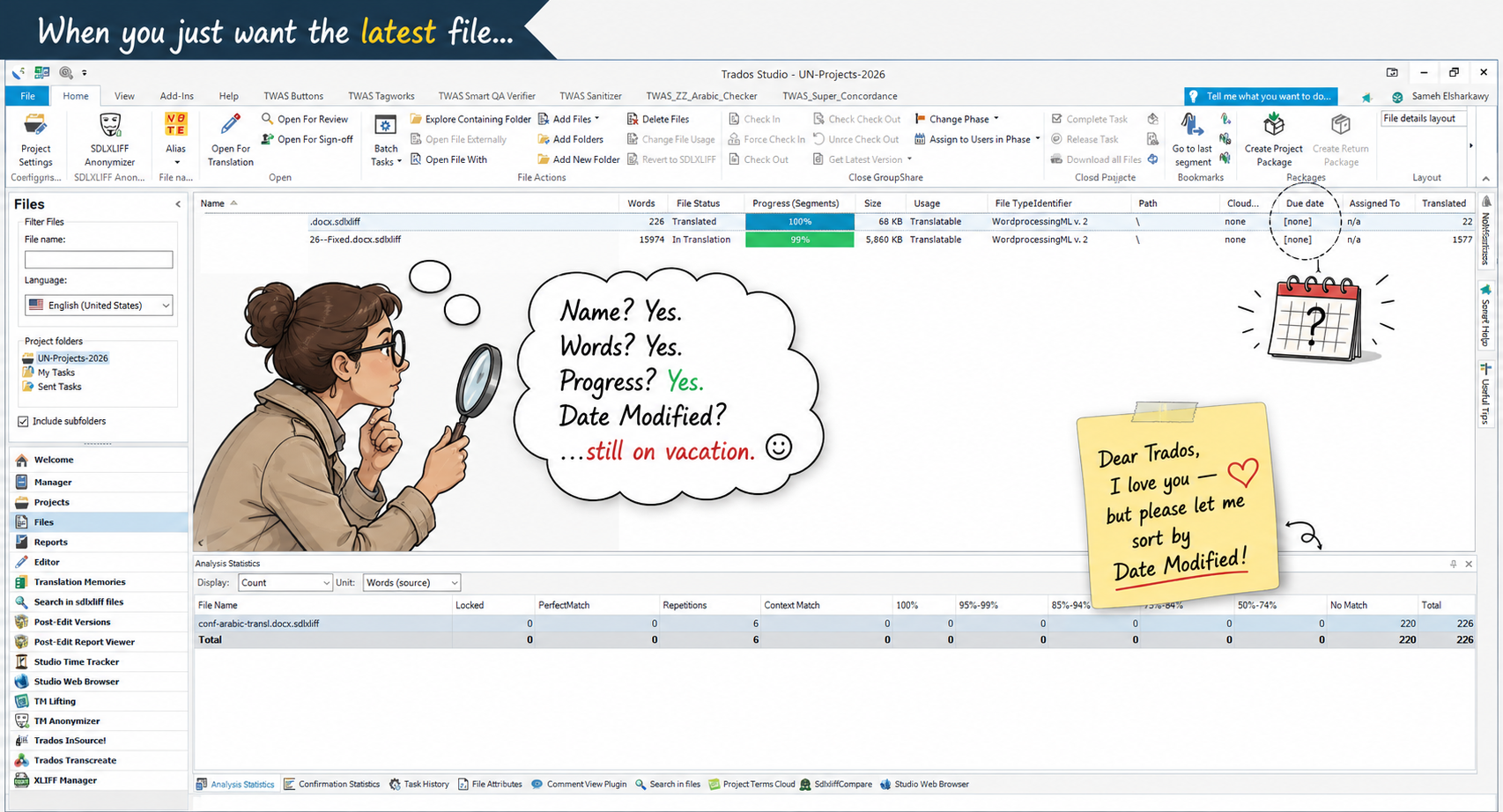
I would like to suggest adding the ability to sort project files by file date, especially the Last Modified / Date Saved value of the actual files on the hard drive.
As far as I know, even in Trados Studio 2024, the Files view allows sorting by several columns such as name, words, file status, progress, size, usage, file type, path, and others, but there does not seem to be a practical way to sort files by the date on which they were last saved or modified on disk (correct me if I am wrong, but I can not find any such feature at all).
This becomes quite painful in real production scenarios. When a project contains a huge folder with many files, I often need to quickly identify the most recently updated files, especially after receiving revised files, saving updated SDLXLIFFs, exporting target files, or working with multiple batches. Without a date-based sorting option, I have to manually search through the folder outside Studio or rely on workarounds, which interrupts the workflow.
Suggested Improvement
Please add one or more sortable columns in the Files view, such as:
- Date Modified
- Date Created
- Date Added to Project
- Last Saved
- Last Opened / Last Worked On inside Studio, if available
The most important one would be Date Modified, reflecting the actual file timestamp on the hard drive.
Why This Matters
This would help translators, reviewers, project managers, and DTP teams quickly locate the latest files in large projects. It would be especially useful when working with:
- Large multilingual projects
- Many SDLXLIFF files in one folder
- Updated files received in several batches
- Files exported or saved at different times
- Projects where the latest modified file needs to be checked urgently
Expected Benefit
Adding this simple sortable date column would make file management inside Trados Studio much faster, more transparent, and much closer to how users already manage files in Windows Explorer.
Thank you for considering this improvement. I believe it would save users a lot of time and frustration in real-life production workflows.
Best regards,
Sameh Ragab