
 Translate


Showing infos on the right side when an itme is clicked is a very very useful feature.
We can view the status, summary, notes, languages etc.
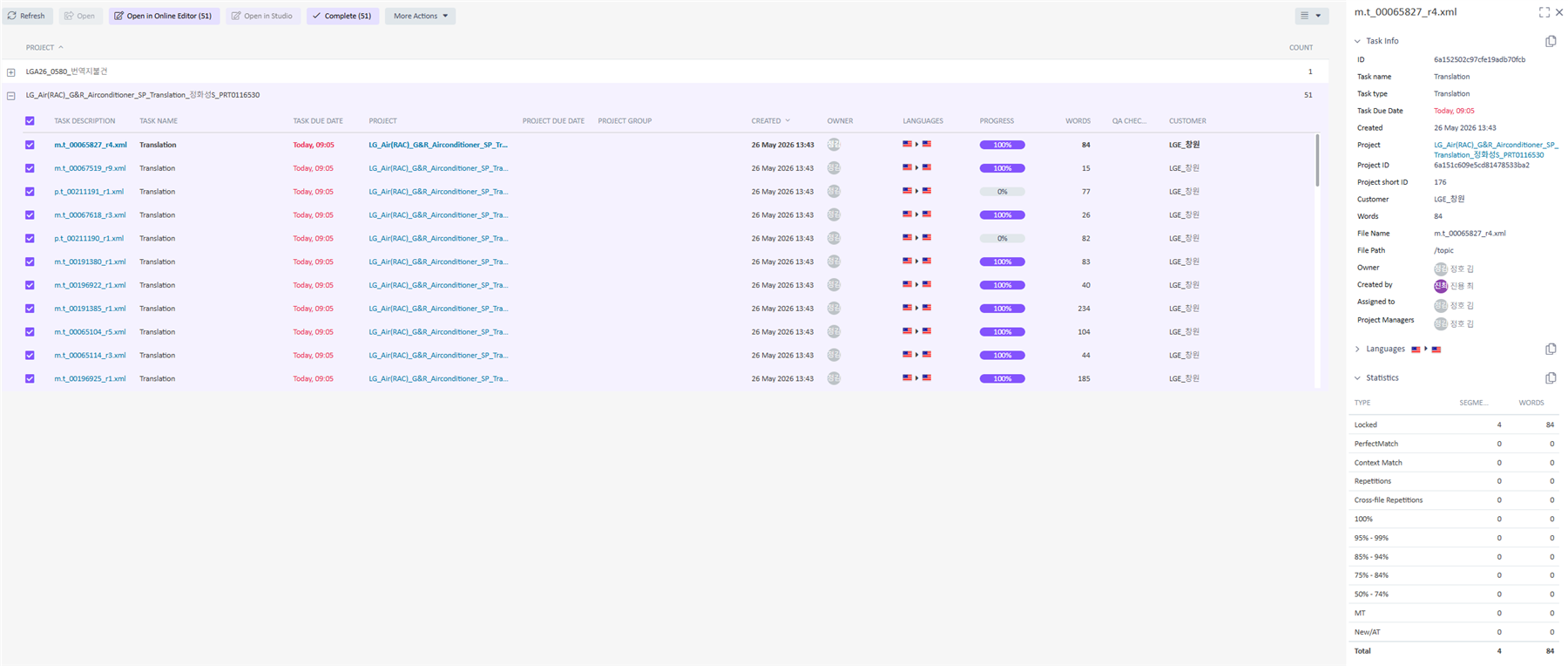
HOWEVER, some infos are missing, and some infos are less useful.
It can be subjective, but I'm dividing infos which are useful in a point of view of PM.
--Not useful--
ID, Project ID - Not useful : ID is very long and complicated. It will be useful for view of engineer, but for users, it is better to be hidden.
Task name + Task type : We only need one of those two.
Porject - We have checked the file we want to see on the check box, we don't need showing the Project name again here.
--Needed--
Price - It shows on Quote stage, but doesn't show afterward. We need to go to Project Tab to check.
Template - Which template is used.
I know all infos are needed for making a report, as you can copy and paste it somewhere else.
But some infos don't need to be shown.
