
SDL Knowledge center CM 2013 Request Scope is not valid

Hi,

I am trying to set up the KC 2013 CM. I am following the documentation carefully but once after the installation task is completed I am unable to login into the CM.

I get an error that request scope is not valid (screenshot).
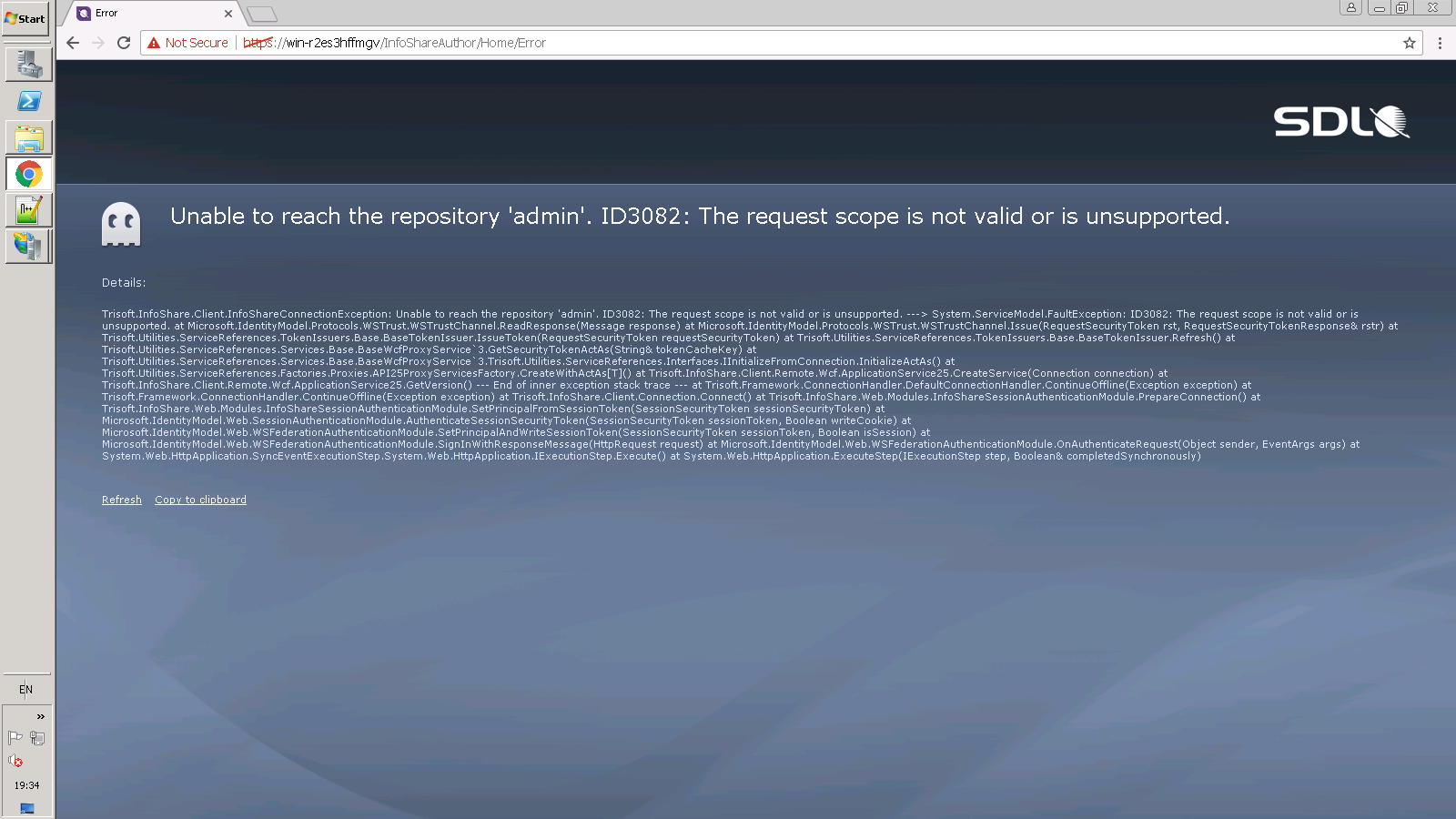
 

Error message on a developer forum page saying 'Unable to reach the repository 'admin'. ID3082: The request scope is not valid or is unsupported.' with a detailed stack trace below.

Regards,

Ramkumar


Generated Image Alt-Text
[edited by: RWS Community AI at 5:21 PM (GMT 0) on 14 Nov 2024]

emoji
Parents Reply
  • Let's try this

    From the CD locate an .sdf file within the Web\ISHSTS\App_Data directory.
    Then copy and overwrite this file on top of the one in your deployment.
    If the file doesn't exist in the CD, then just delete the target file in the deployment.
    This resets the ISHSTS database and that means any changes you've already done will be also lost.

    Make sure all application pools are restarted. An easy trick is to execute taskkill /im w3wp.exe /f
    Close your browser and try again.

    If this doesn't work I would recommend contacting proper support channels, where you will have to provide the application log files also.

    Alex
Children
No Data