
 Translate


Given the following text in Word:

We get the this source segment in Studio 15 or Studio 17:
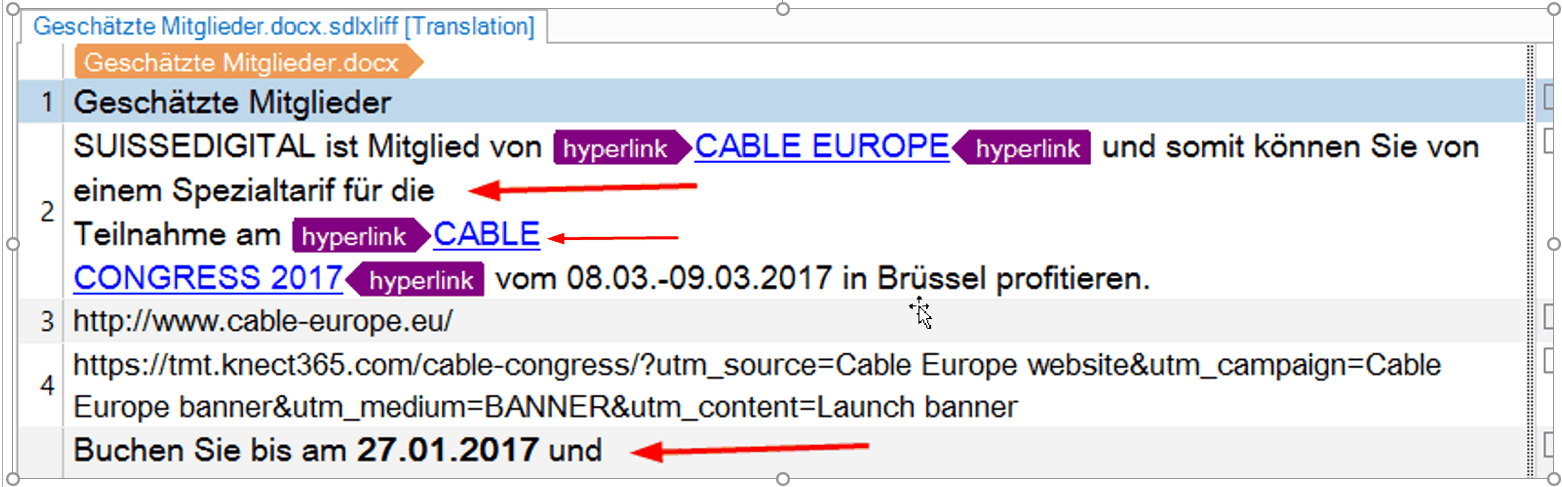
There are New Line characters in the source segment:

It is not possible to export those files. The target native file counts only 2200 bytes and it impossible to open them with word.
Unfortunately this happens pretty frequently. Please send me a mail to ttn@ttn.ch and I will send you a bunch of word files in order to reproduce the behavior.
I tried to convert them on 4 different computers with different office versions.
The NL caracter is already in the document.xml in the word .docx file:
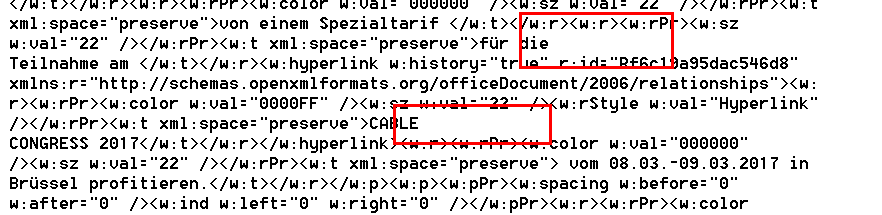
We get those word files form different clients and it is not just a problem of one rotten word version.
To be on the save side: please replace all NL caracters with blanks.
R.
Martin

