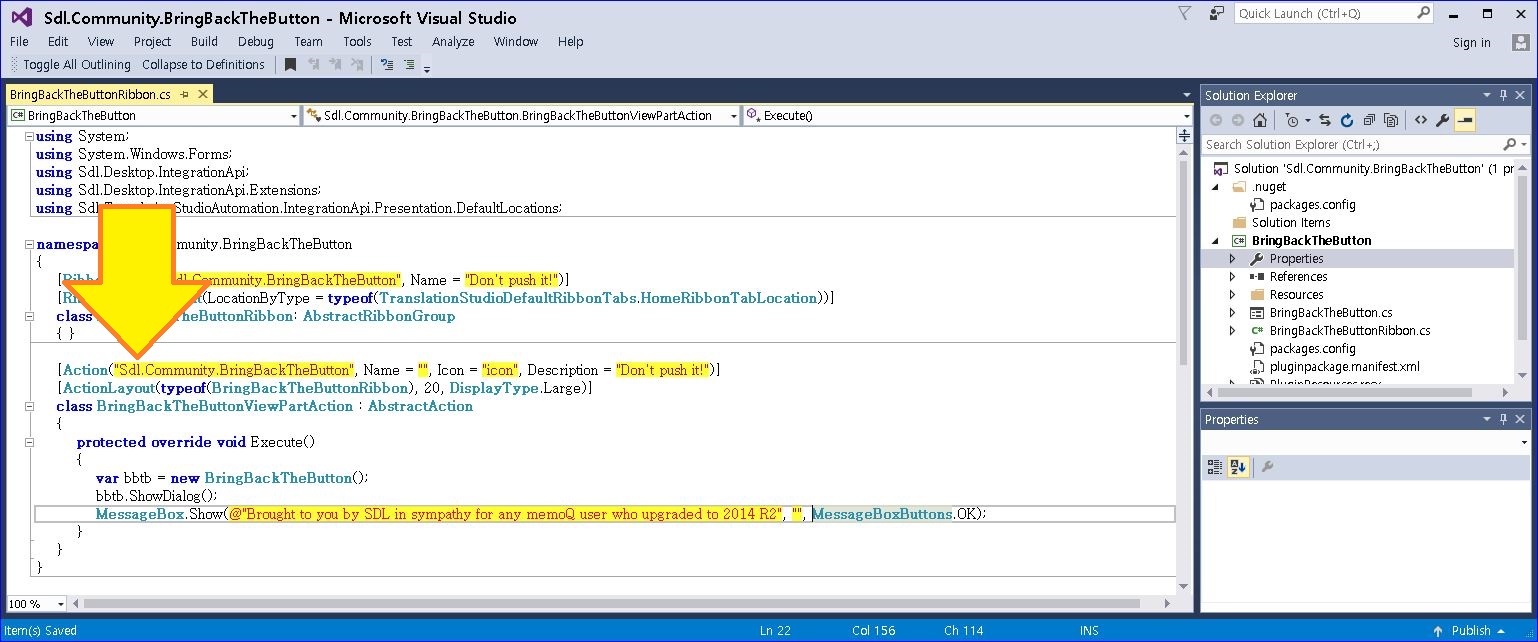
Keys should be changed on a second plugin

 Hello.

Which keys should I modify on a second plugin?


=======

I start to make a second plugin for Trados.

But this is constructed from the same SDK.

So below message is shown when I attempt to load two plugins at the same time.

"An item with the same key has already been added."
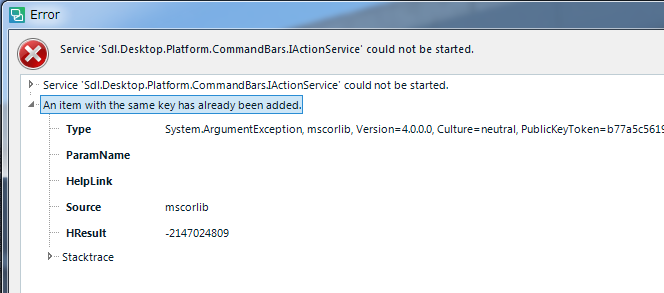
Error message in Trados Studio stating 'Service 'Sdl.Desktop.Platform.Commands.IActionService' could not be started. An item with the same key has already been added.' with details of the error below.


Generated Image Alt-Text
[edited by: Trados AI at 1:28 PM (GMT 0) on 5 Mar 2024]
Parents Reply Children
  • Thank Kim and Galambos for your reply.

    I succeed to open a Trados main screen thanks of you.

    ========================
    I tried to modify some parameters.

    I noticed that the minimum parameters to modify to load duplicated plugins is below.
    Group.cs
    Action - id
    RibbonGroup - Name
    Project assembly name
  • Another problem.

    Here, I called P1 as primary plugin
    and P2 as duplicated plugin from P1.

    =========
    On Project Settings, Translation Memory and Automated Translation,
    when select P2 on "Use" tab, P1 is loaded on list.
    What key is wrong?

    When load only P2 to Trados, action is normal.
    On Project Settings, Translation Memory and Automated Translation,
    when select P2 on "Use" tab, P2 is loaded on list.

    =========
    I changed below keys.

    TranslationProviderFactory Id Name
    TranslationProvider Name Uri
    TranslationProviderWinFormsUi Id Name
  • I've resolved this problem.

    I had to implement the method SupportsTranslationProviderUri
    on TranslationProviderFactory and TranslationProviderWinFormsUi correctly.

    ===========

    public bool SupportsTranslationProviderUri(Uri translationProviderUri)
    {
    TranslationProvider provider = TranslationProviderFactory._provider;
    if (translationProviderUri == null || provider == null) { return false; }
    return String.Equals(translationProviderUri.AbsoluteUri,
    provider.Uri.AbsoluteUri,
    StringComparison.CurrentCultureIgnoreCase);
    }