SDL Studio PowerShell Toolkit - \Sample_Roundtrip.ps1 cannot be loaded

Hi!


I try to run the \Sample_Roundtrip.ps1 via Windows PowerShell to script the Project Automation API of SDL Trados Studio Professional.

I used the SDL Studio Powershell Toolkit to do this:

https://github.com/sdl/Sdl-studio-powershell-toolkit

How can I load, digitally sign and execute it (see error messages below)? Do I need special user/administrator rights to do this?

Windows Explorer window showing a 'modules' folder and 'Sample_Roundtrip.ps1' PowerShell script file with a size of 51 KB, last modified on 22.07.2017 at 11:05.


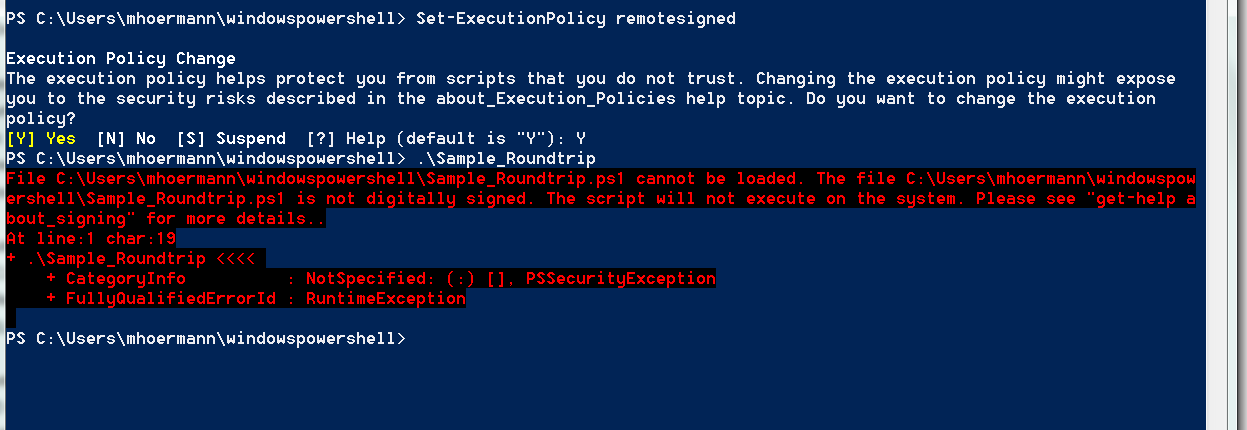
Windows PowerShell error message stating 'Sample_Roundtrip.ps1 cannot be loaded because the script is not digitally signed. The script will not execute on the system.'

Already checked setexecution-policy remotelysigned
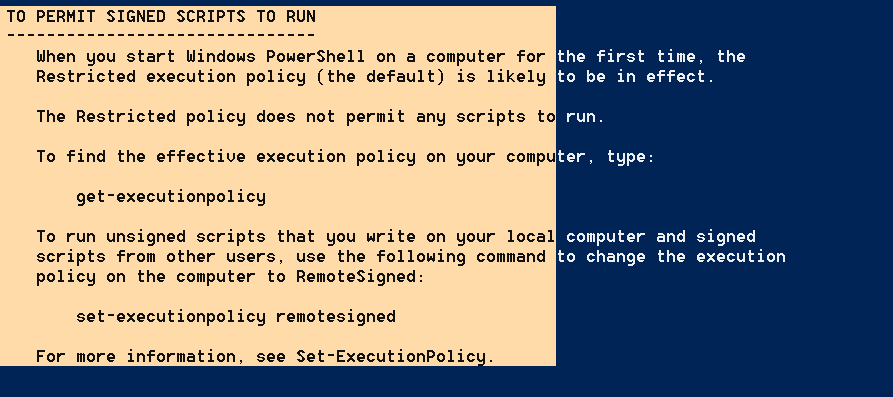
Text document explaining how to permit signed scripts to run in Windows PowerShell, including the command 'set-executionpolicy remotesigned'.


Windows PowerShell prompt showing the execution of 'Set-ExecutionPolicy remotesigned' command with a prompt asking for confirmation to change the execution policy.


Thanks for helping!


Best regards,

Manuel


Generated Image Alt-Text
[edited by: RWS Community AI at 6:39 AM (GMT 0) on 15 Nov 2024]
Parents Reply Children
  • No, there isn't any other, you need to do the changes yourself.

    Actually, you don't need to change much - basically just modify the paths to the DLLs in each module and modify the New-FilebasedTM function to use the additional 2 parameters which were added in later Studio versions:

    $TM = New-Object Sdl.LanguagePlatform.TranslationMemoryApi.FileBasedTranslationMemory ($TMPath, $Description, $TMSourceLanguage, $TMTargetLanguage, $FuzzyIndexes, $Recognizers, $TokenizerFlags, $WordCountFlags)

    (Plus, you need to define these new parameters, of course)

    And that should be pretty it...