
 Translate


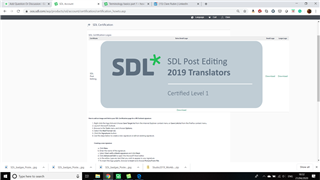
Could anyone please tell me how you save the certification badges in smaller sizes? It looks like on the page there are different sizes available, however, when I have clicked on each download and saved they are all big. On some pages I can resize but not on LinkedIn.
I am using Chrome. When I right-click I have the option "Save image" as but not "Save target..." as suggested.
I do not understand the hyperlink information offered as an option at the bottom as I can't find what my certification code number is, nor do I understand about "root image directories".
Thank you in advance.
Clare
Generated Image Alt-Text
[edited by: RWS Community AI at 12:09 PM (GMT 0) on 14 Nov 2024]


