Can not open the samples. How to start developing Trados Addon? To which should I refer documents?

Can not open the samples.
How to start developing Trados Addon?
To which should I refer documents?

When open 'Sdl.Verification.Sdk.IdenticalCheck.Extended.sln' :
Message > "Sdl.Core.PluginFramework.Build.targets" not found.
can not load the project.

When open 'Sdl.Verification.Sdk.EditAndApplyChanges.MessageUI.sln',
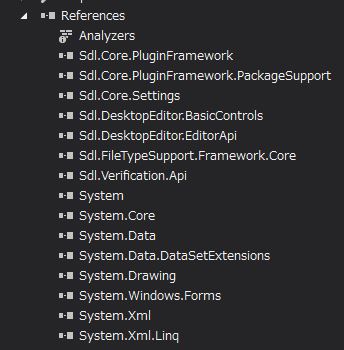
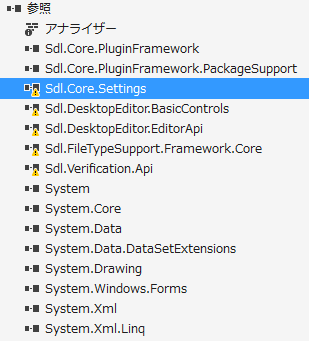
Cannot resolve reference to 'Sdl.DesktopEditor.BasicControls'.

My Environment:
Visual Studio 2015 community
Windows 7
language>Japanese

Parents Reply
  • Hi Kida,

    Right click each reference and select "Properties".
    What does the "Path" say?

    For example, with mine it's:
    C:\Program Files (x86)\SDL\SDL Trados Studio\Studio5\Sdl.Core.Settings.dll

    All the DLLs should be under the following folder, so you can manually add them also by right-clicking "References" and selecting "Add Reference" or just updating the path in the properties:
    C:\Program Files (x86)\SDL\SDL Trados Studio\Studio5\

Children