
 Translate


Hello,
I would really appreciate two things regarding terminology in Trados Studio 2026:
- Enable termbase editing in the termbase view:
Currently, one can open a termbase and do all sorts of management stuff in the termbase view (i.e. exporting and importing terms, adding fields, etc.), but one cannot actually edit terms. For this, one has to open a translation project first and use the termbase viewer. This is quite unhandy and useless for real terminology management.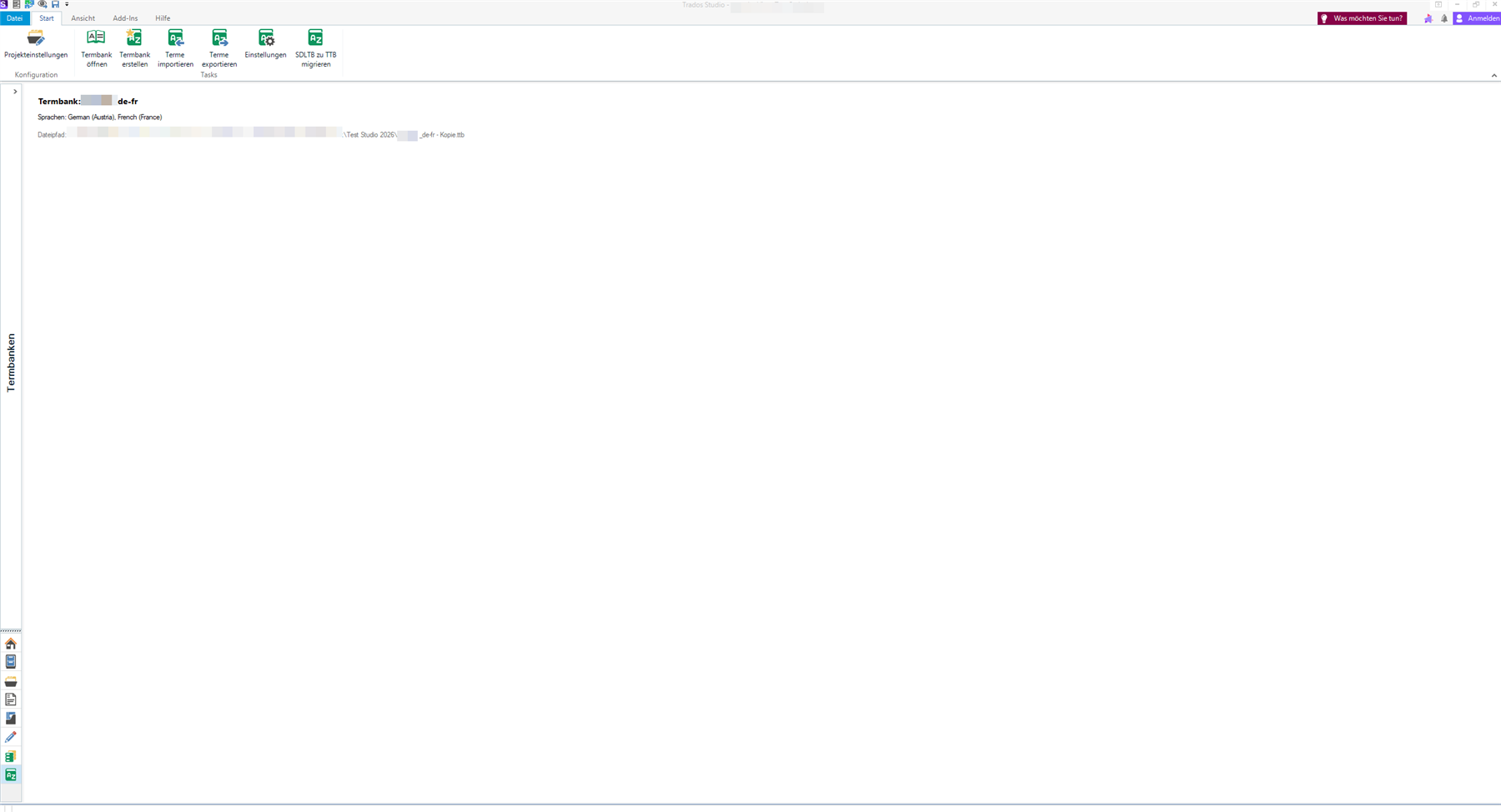
- Enable file support for .sdltb files:
Currently, Trados Studio 2026 does not support the old .sdltb files, which means that any projects created in an older Studio version that have termbases linked to them can be opened, but come without term recognition as the termbases first need to be migrated to the new .ttb format. This seems unwieldy to me, especially because of #1 and #3. - Enable file support for .ttb files in MultiTerm 2026:
Currently, MultiTerm 2026 cannot open the new .ttb file format, only the old .sdltb format. Since #1 means one cannot efficiently manage termbases in Studio, one would have to use MultiTerm for that. However, because of #2, that in turn means that one would have to manage in .sdltb and use the termbases in .ttb, which seems like a huge waste of time to me.

Top Comments