 Translate


No note was provided with this status update.

RWS Community
Below is the history of changes to this idea's status. Return to the idea.
This is partially available - see https://docs.rws.com/879834/879042/trados-terminology/linking-termbase-entries-to-images. So basically there is specific functionality to put image URLs into text fields, and the images the URL points to will then be displayed.
Steps:
1. Find a text field in your entry - in this case, the field is called "Illustration" and open it for editing. You will find an "Insert Image" button:

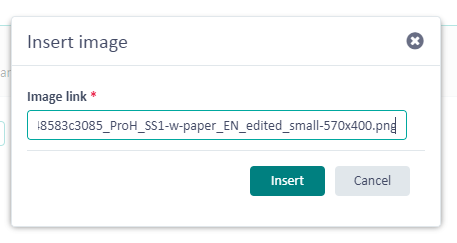
2. This opens the Insert Image dialog box. Here, you can paste any URL to an image (e.g. by copying the image URL in your browser; in Chrome, you can right-click on any image and select "Copy Image URL"):
3. You can now confirm the text field edit and the picture should display:

Thanks


